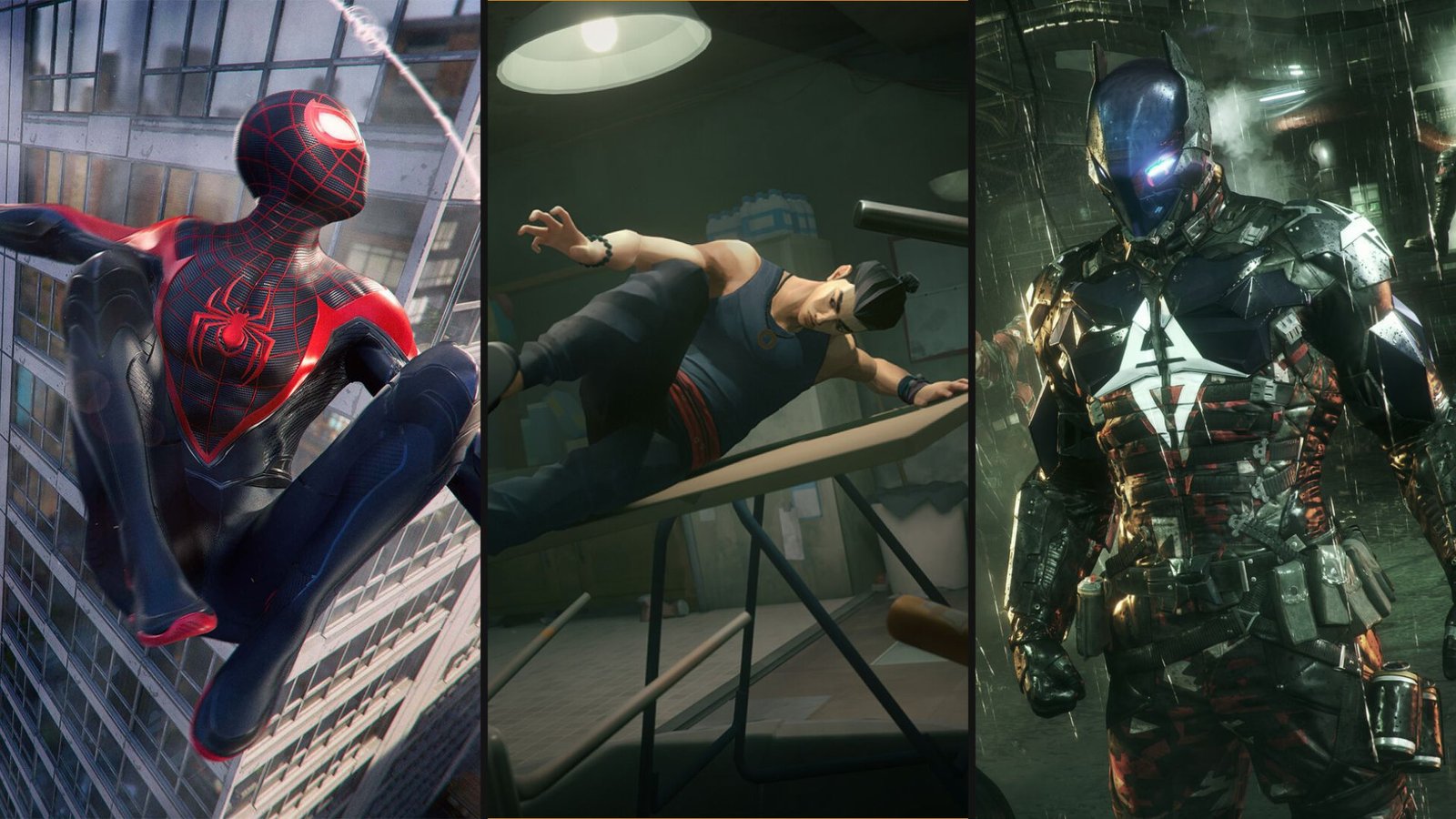
11 Games to Play While Waiting for Marvel’s Wolverine
The long wait is almost over. Insomniac Games’ R-rated take on everyone’s favorite grumpy mutant launches on September 15. Brutal and rage-driven, Marvel’s Wolverine is

On August 27, the GTA 6 Extended Look premieres on Netflix. It is the first time Rockstar Games has handed a piece of Grand Theft Auto 6 marketing to a streaming platform, and it is going to pull in a wave of first-time subscribers who signed up for a premium subscription service to watch a trailer.
Here is the part most of them will not expect. Netflix has games. More than 100 of them, included with the same subscription, no extra charge, no microtransactions, and if you own a PlayStation controller, whether it is a shiny new DualSense or the trusty DualShock 4 gathering dust in a drawer, you can play a good chunk of them with proper buttons instead of a touchscreen.
This guide covers how to connect your controller to Netflix games on both your phone and your TV, which games actually support a controller, and the full history of every Rockstar game that has ever landed on Netflix. If you are here for the trailer and leaving with a new hobby, you might as well do it right.
It does, and it has since 2021. The catalogue sits around 100 titles as of 2026, and Netflix has been quietly shifting its strategy toward bigger, recognisable names: party games, family titles, and licensed heavy-hitters like Grand Theft Auto and Red Dead Redemption. They are included with every Netflix plan, including the cheapest tier.
The catch is that not every game is built the same way, so expect to enjoy them differently because some are touch-only, some support controllers, some run on your phone, and a growing number now stream to your TV using your phone as the gamepad.
Some do. Not all. Netflix does not slap controller support on every title, and the ones that have it are usually the more involved games, the racers, the shooters, the open-world ports, rather than the tap-to-play puzzle games.
When a game supports a controller, Netflix makes it easy to tell. Connect your pad, launch the game, and the on-screen prompts switch from touch icons to controller buttons automatically. If that doesn’t happen, the game either does not support a controller or your pad is not paired properly, but as long as you follow our guide, most likely it’s the former.
Controller support on Netflix games is game-by-game, and the list changes as titles come and go. The good news is that the games most worth playing with a controller, the Grand Theft Auto ports, Red Dead Redemption, the racing games, tend to be exactly the ones that support it.
| Netflix Game Type | Controller Support? | Best Played With |
| Open-world (GTA, Red Dead) | Yes | DualSense or DualShock 4 |
| Racing (Asphalt Xtreme) | Yes | Controller |
| Action / shooter titles | Usually | Controller |
| Story / narrative games | Sometimes | Either |
| Puzzle / casual | Rarely | Touchscreen |
| Party / family games | Sometimes | Touch or controller |
Netflix games on mobile run inside the regular Netflix app on your phone or tablet. Both PlayStation controllers connect via standard Bluetooth, so no special app, adapter, or PlayStation account is required. Sony built these pads to work with the standard Bluetooth gamepad protocol, which is why any modern phone recognises them.
First, put your controller into pairing mode. This is the step people get wrong, so it is worth doing carefully.
Make sure the controller is not connected to your PS5. If it is, turn the PS5 off, or the controller will keep trying to talk to it. Then press and hold the PS button and the Create button (the small button to the left of the touchpad) at the same time. Hold both for about three seconds until the light bar starts flashing in quick pulses. That flashing means it is discoverable.
Same idea, slightly different buttons. Make sure it is disconnected from your PS4, then press and hold the PS button and the Share button (left of the touchpad) together until the light bar flashes. Once it is pulsing, it is ready to pair.
| Step | iPhone / iPad (iOS 14.5+) | Android (Android 12+) |
| 1 | Put the controller in pairing mode (light bar flashing) | Put the controller in pairing mode (light bar flashing) |
| 2 | Open Settings > Bluetooth | Open Settings > Connections > Bluetooth |
| 3 | Wait for “DualSense Wireless Controller” or “Wireless Controller” under Other Devices | Tap “Pair new device,” wait for the controller to appear |
| 4 | Tap it to connect. Light bar goes solid. | Tap it to connect. Light bar goes solid. |
| 5 | Open Netflix, launch a controller-supported game | Open Netflix, launch a controller-supported game |
Once the light bar stops flashing and settles into a solid colour, you are connected. Launch a controller-supported game and the on-screen prompts should switch to controller buttons. If they do, you are good to go. If they stay as touch icons, the game probably does not support a controller, and you are better off picking one that does.
This is where it gets a little more involved, because Netflix’s TV games use a different system. When you play a Netflix game on your TV, your phone becomes the controller by default, talking to the game through the Netflix Game Controller app.
Here is the standard TV setup:
| Step | What to Do |
| 1 | Make sure the Netflix app is updated on both your TV and your phone. |
| 2 | Open Netflix on your TV, find the Games row, and pick a game. |
| 3 | Select “Play Game.” A QR code appears on the TV screen. |
| 4 | Scan the QR code with your phone’s camera. |
| 5 | On iPhone, download the Netflix Game Controller app. On Android, the regular Netflix app acts as the controller. |
| 6 | Sign in, scan the code again if prompted, and your phone becomes the controller. |
Now, the question you actually came here with: can you use your DualSense on the TV instead of your phone? It depends on your TV. Some smart TVs and streaming devices let you pair a Bluetooth controller directly to the TV itself, and if yours does, that controller can drive the game instead of your phone. Many Samsung, Fire TV, and similar devices support Bluetooth gamepad pairing in their system settings. Check your TV’s Bluetooth or accessory menu, put your DualSense or DualShock 4 into pairing mode (the button combos above), and pair it to the TV directly.
If your TV does not support direct controller pairing, your phone stays the controller. It is not the console experience, but for a free game library you are playing off a subscription you got for a trailer, it is hard to complain.
| Setup | How the Controller Works |
| Phone / tablet (mobile) | Pair DualSense or DualShock 4 directly to the phone over Bluetooth. |
| TV (phone as controller) | Phone runs the Netflix Game Controller app and acts as the gamepad. |
| TV (Bluetooth controller support) | Pair your PlayStation pad directly to the TV if the TV allows it. |
| TV (no controller support) | Phone stays the controller. No direct pad option. |
Rockstar and Netflix have partnered a handful of times, and the catalogue has shrunk more than it has grown. Four Rockstar games have ever been on Netflix, which is where the good news end. The bad news is that three of them are already gone.
The Grand Theft Auto: The Trilogy – The Definitive Edition arrived first, with all three remasters of classic PS2-era GTA games landing together in December 2023. They eventually left, with GTA III and GTA: Vice City departing in late 2024 after only a year while GTA: San Andreas, which became Netflix’s most-downloaded game ever at over 57 million installs, hung on for a second year before finally leaving in December 2025. Then came Red Dead Redemption, added in December 2025, and as of now it is the one Rockstar game you can actually play on Netflix today.
| Rockstar Game | Added | Left | Status Now |
| GTA III – Definitive Edition | December 2023 | Late 2024 | Gone |
| GTA: Vice City – Definitive Edition | December 2023 | Late 2024 | Gone |
| GTA: San Andreas – Definitive Edition | December 2023 | December 2025 | Gone |
| Red Dead Redemption | December 2025 | Still available | Available now |
So if you are subscribing for the GTA 6 Extended Look and hoping to play some Grand Theft Auto while you are there, the bad news is that all three GTA remasters have left. The good news is that Red Dead Redemption, one of Rockstar’s finest open worlds, is right there and it is excellent with a controller.
Red Dead Redemption is the 2010 original, not Red Dead Redemption 2. It arrived on Netflix in December 2025 and marks the first time the game has ever been on mobile. The Netflix version includes the full single-player campaign and the Undead Nightmare zombie expansion, which is a genuinely generous package, and it plays far better with a DualSense than with a touchscreen.
Based on Netflix’s usual licensing patterns, a game like this tends to stay for at least a year, which would put its window into late 2026. Nothing is guaranteed, so if you want to play it, do not sit on it for too long.
Red Dead Redemption on Netflix is an open-world game with horseback riding, gunfights, and precise aiming. Every one of those things runs through your analogue sticks, and if your DualShock 4 has been sitting in a drawer since 2020, or your DualSense has logged a few hundred hours, there is a decent chance those sticks have started to drift.
Stick drift is the fault that turns a relaxing evening in the old West into a fight with your own controller. Your character creeps sideways when you are trying to hold still. Your aim pulls off target. It is caused by the potentiometer sticks wearing down inside standard PlayStation controllers, and it typically shows up after 12 to 18 months of regular use. A drifting stick does not care whether you are playing on a PS5 or streaming Red Dead off Netflix. It ruins both.
This is the entire reason TMR sticks exist. TMR (tunnel magnetoresistance) sticks are contactless, so there is nothing to physically wear down, which means no drift. If your controller is already drifting, TCP’s stick drift repair service swaps your worn potentiometer sticks for drift-proof TMR from £35. If you would rather start fresh with a controller built to last, the TCP Pro comes with TMR sticks as standard, and you can put one together in the custom PS5 controller builder.
A Netflix subscription is free games. A controller that actually works is what makes them worth playing. For more on why potentiometer sticks drift and how TMR fixes it, our Hall Effect vs TMR breakdown covers the tech.
| Problem | Fix |
| Controller will not enter pairing mode | Disconnect it from your PS5/PS4 first. Reset it with a pin in the small hole on the back if needed. |
| Controller disconnects after a few minutes | Turn off battery optimisation for the Netflix app (common on Android). Keep the screen awake. |
| Buttons are mapped wrong | Some Android games swap sticks or buttons. Check the game’s input settings; it may still be playable. |
| On-screen prompts stay as touch icons | That game likely does not support a controller. Pick one that does. |
| Controller paired but not responding | Press and release the PS button once to wake the connection. |
| Light bar keeps flashing, will not connect | It is still in pairing mode or connected elsewhere. Fully disconnect from other devices and retry. |
The GTA 6 Extended Look on August 27 is going to bring a lot of people to Netflix for the first time. Most of them will watch the trailer and leave. The ones who poke around the Games row will find a genuinely decent library, and if they own a PlayStation controller, they can play a big slice of it with real buttons.
Pairing a DualSense or DualShock 4 takes under a minute. Red Dead Redemption is sitting there waiting, expansion included, at no extra cost. The only thing standing between you and a great session is whether your controller’s sticks still hold true.
If they do not, that is a quick fix. TCP’s stick drift repair sorts a drifting pad from £35, and the TCP Pro with TMR sticks never drifts in the first place. Build yours in the custom PS5 controller builder.
Came for the trailer. Might as well stay for the games.

The long wait is almost over. Insomniac Games’ R-rated take on everyone’s favorite grumpy mutant launches on September 15. Brutal and rage-driven, Marvel’s Wolverine is
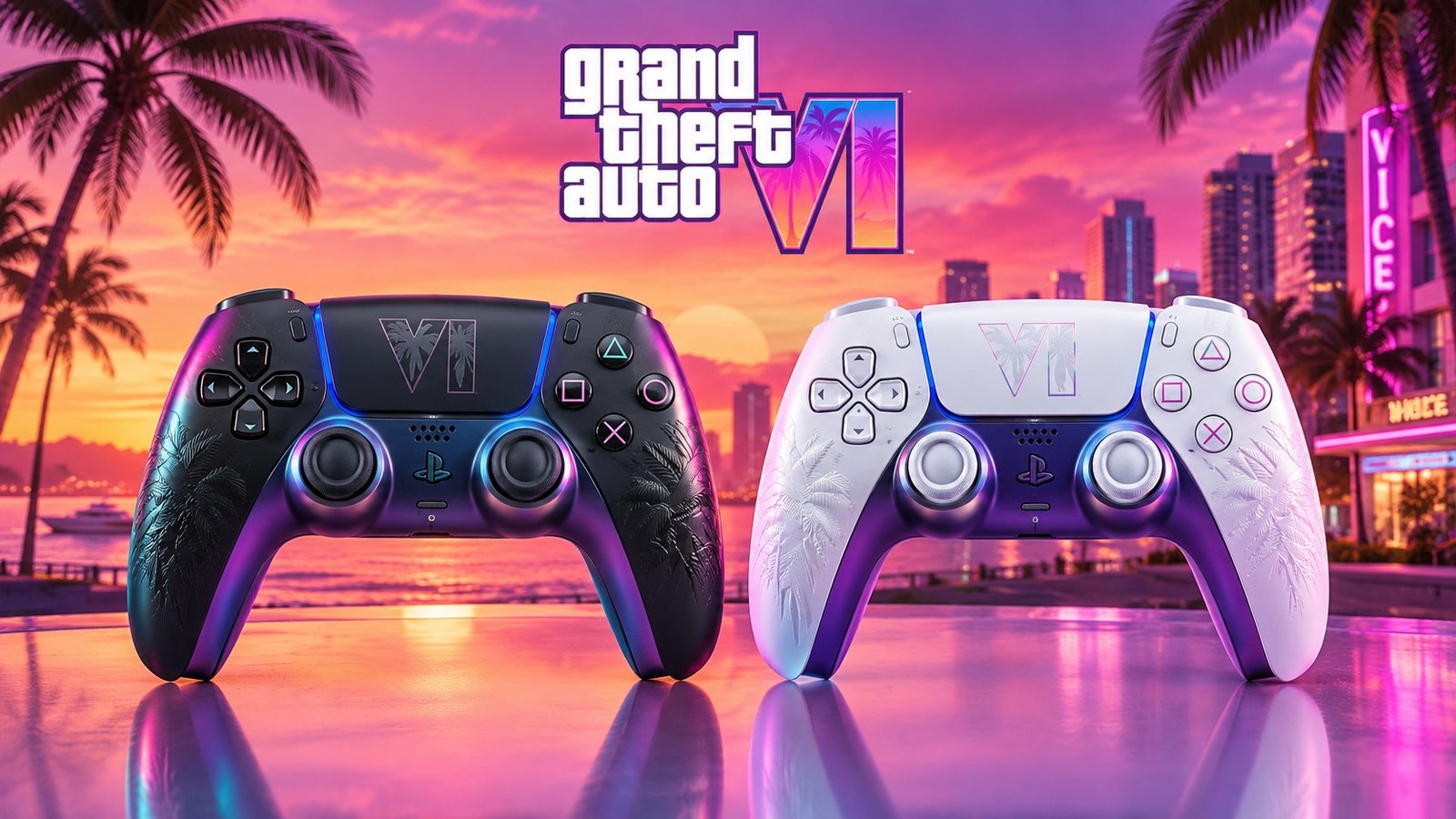
Sony just gave Grand Theft Auto VI the kind of treatment it normally reserves for its own biggest exclusives. At the September 3 State of
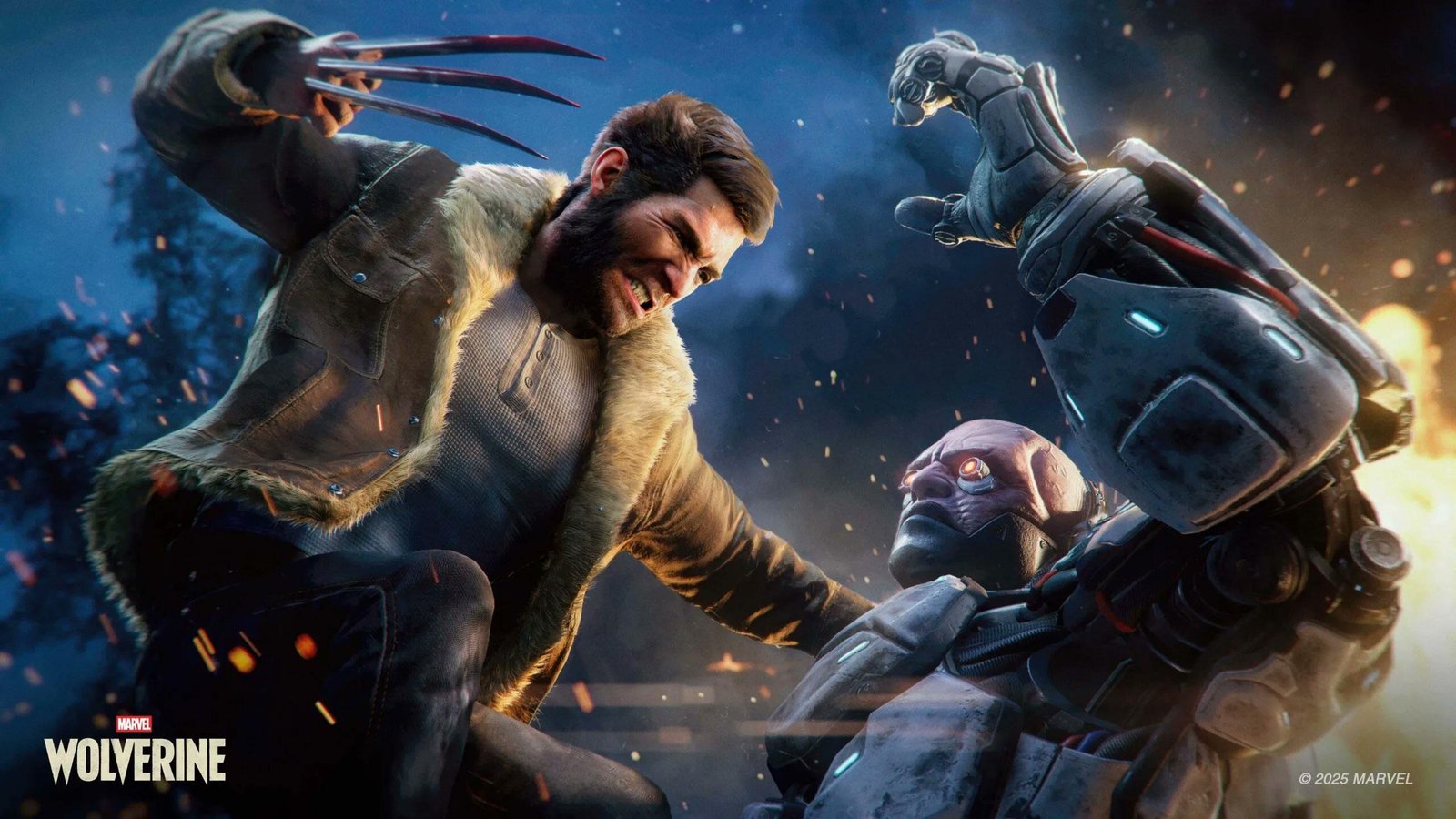
For years, the running joke was that we would get Grand Theft Auto6 before we got a proper look at Marvel’s Wolverine. Well, both are
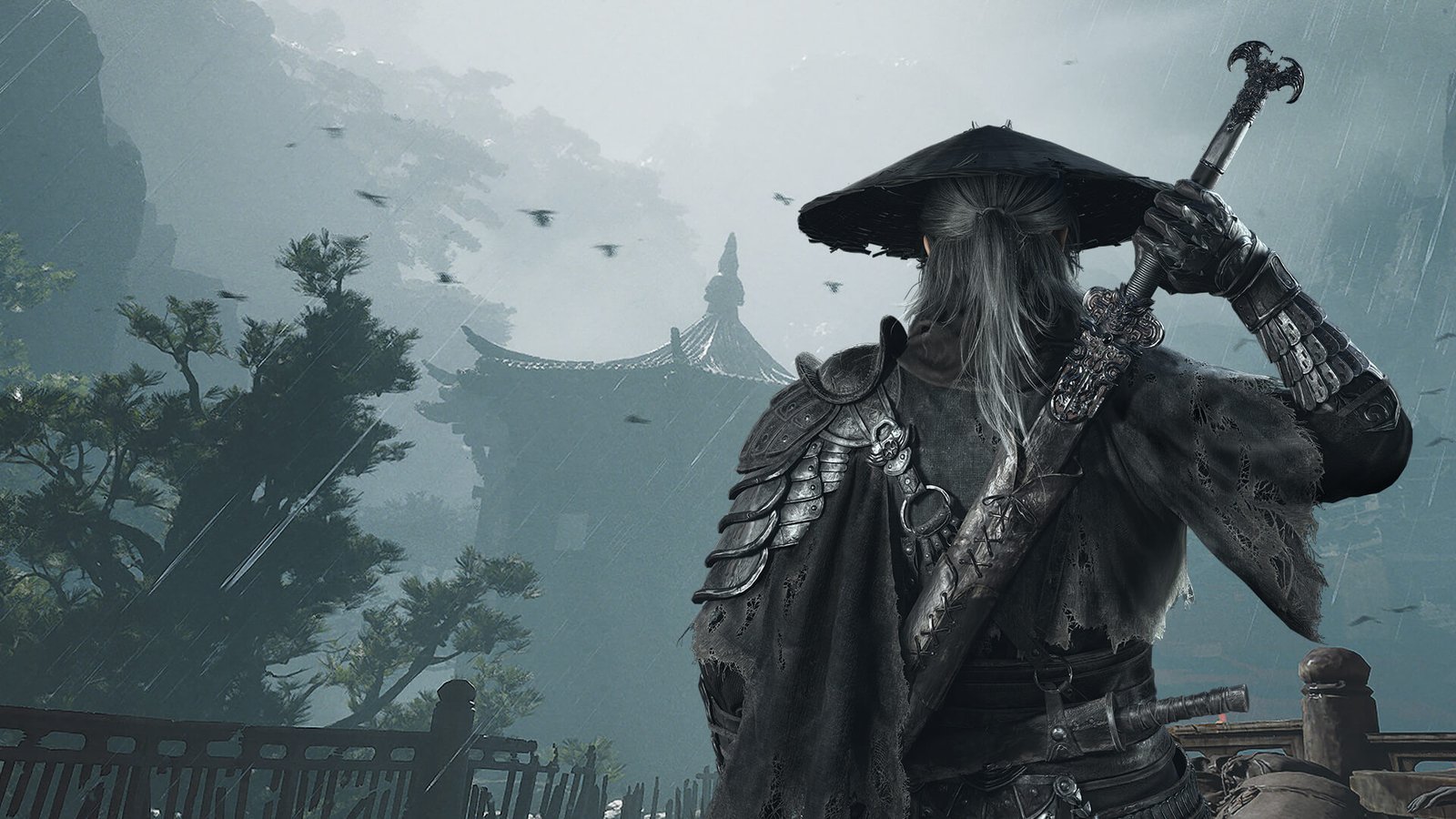
Phantom Blade Zero has been near the top of every action fan’s watchlist since it first showed up in 2023, and it finally arrives on
Loading quiz...
Will get back to you pretty quick!
1 Comment
Best Played With DualSense or DualShock 4 — or — Controller
What does it mean when it says best played with controller?