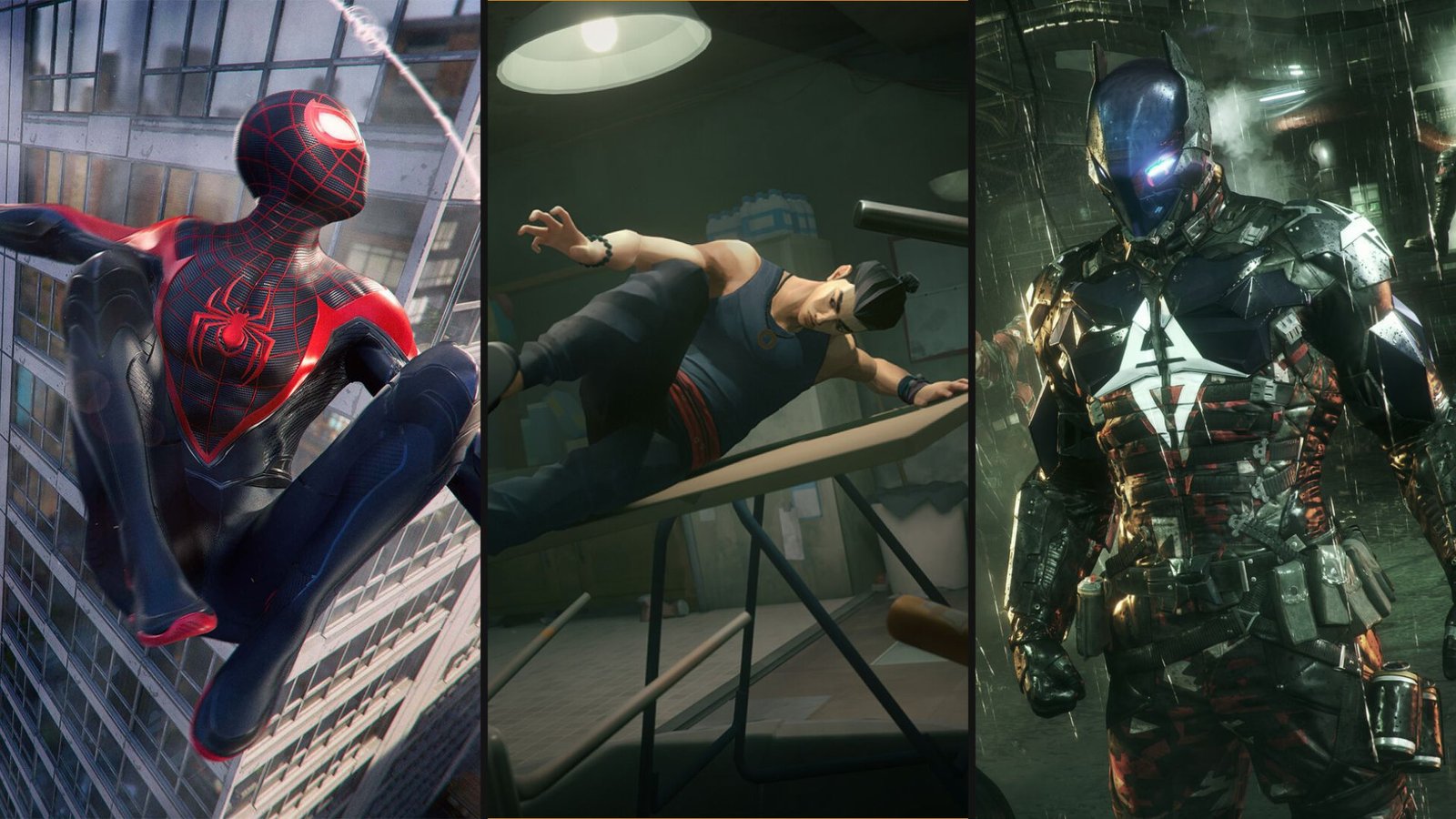
11 Games to Play While Waiting for Marvel’s Wolverine
The long wait is almost over. Insomniac Games’ R-rated take on everyone’s favorite grumpy mutant launches on September 15. Brutal and rage-driven, Marvel’s Wolverine is

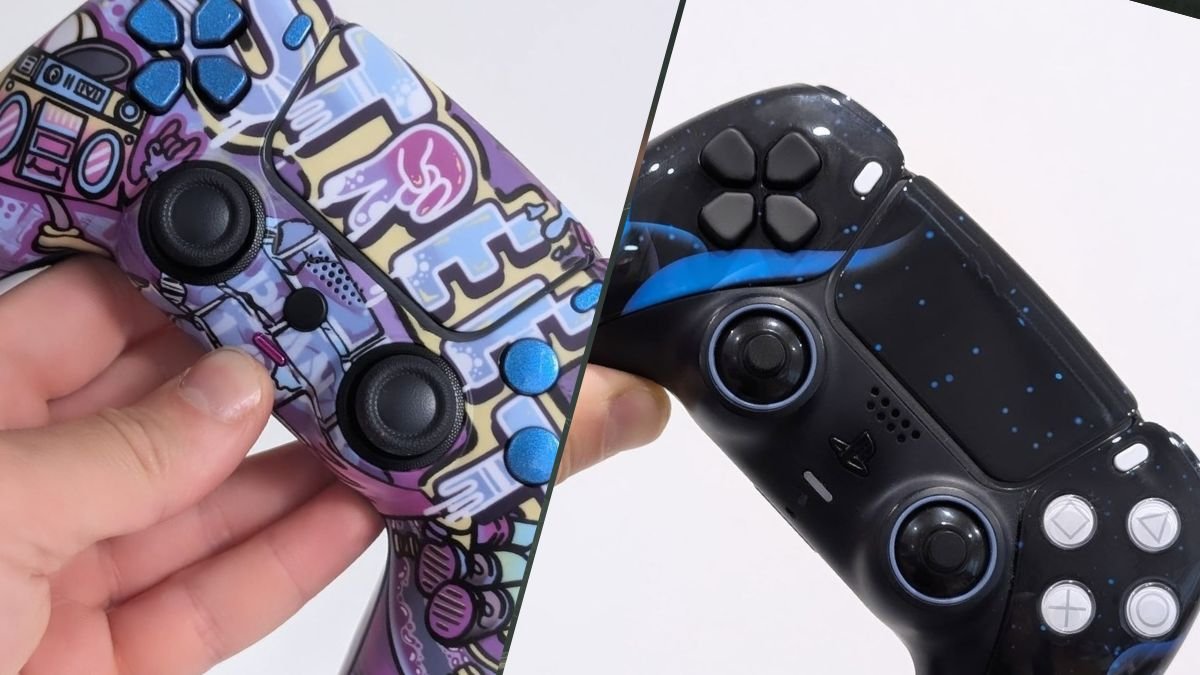
If you’ve ever looked at your stock DualSense and thought it could use some personality, you’re not alone. Custom PS5 controllers have exploded in popularity. We’re talking about everything from subtle shell swaps to full-blown competitive modifications. But here’s the question everyone asks: should you customize your PS5 controller yourself, or let the professionals handle it?
There’s no right or wrong answer here. DIY customization offers complete creative control and can save money if you’re confident with your hands. However, professionals, such as yours truly, deliver flawless finishes, technical upgrades, and warranties that protect your investment. The right choice depends on your skill level, what you want to achieve, and how much risk you’re willing to take
In this guide, we’ll break down both approaches to making and owning a custom PS5 controller. We’ll cover everything from painting your controller shell at home to ordering tournament-grade modifications through custom builders. By the end, you’ll know exactly which choice is best for you, and why.

The most accessible entry point into PS5 controller customisation is aesthetics. The DualSense’s removable faceplate makes this surprisingly straightforward compared to previous PlayStation controllers.
Painting your controller shell requires patience. Start by removing the faceplate—it simply pops off without tools. Wash the plastic thoroughly with isopropyl alcohol to remove oils that prevent paint adhesion. Lightly sand the surface with fine-grit sandpaper (400-600 grit) to create texture for the primer to grip.
Apply a plastic-compatible primer in thin, even coats using either an airbrush or aerosol spray. Let each coat dry completely. Once primed, apply your chosen acrylic paint in multiple thin layers rather than one thick coat. This prevents peeling and creates a professional finish.
Buying a shell replacement kit to get a custom PS5 controller is even faster. Installation takes 15-20 minutes. All you need to do is remove the screws, transfer the internals to the new shell, and reassemble. There’s no painting required.
Swapping buttons and thumbsticks sits between cosmetic and functional modifications. Replacement button sets are available for £10-15, give or take. These come in various colours, including but not limited to metallic finishes, translucent plastics, and themed designs.
Installation is straightforward: open the controller, remove the old buttons, snap in the replacements. No soldering needed. Thumbstick caps simply pull off and push on, which is the easiest part of modifying a custom PS5 controller.
This is where most DIYers hit a wall when it comes to custom PS5 controllers. Digital triggers, back buttons, and Hall Effect stick upgrades are beyond simple shell swapping. Digital triggers, for instance, bypass the analog trigger mechanism for instant mouse-click actuation. Installation requires soldering new switches directly to the controller’s PCB. Mistakes can permanently damage the motherboard. Even if you succeed, you may still experience calibration issues if the switches aren’t properly positioned.
Hall Effect stick upgrades promise drift-free performance by replacing potentiometer sensors with magnetic Hall Effect modules. Sounds great in theory. In practice, you’re desoldering tiny components from a multi-layer PCB, installing aftermarket parts) and hoping everything works when you power it back on.
. If you’ve never soldered before, a £60 controller is an expensive piece tos tart practicing with.
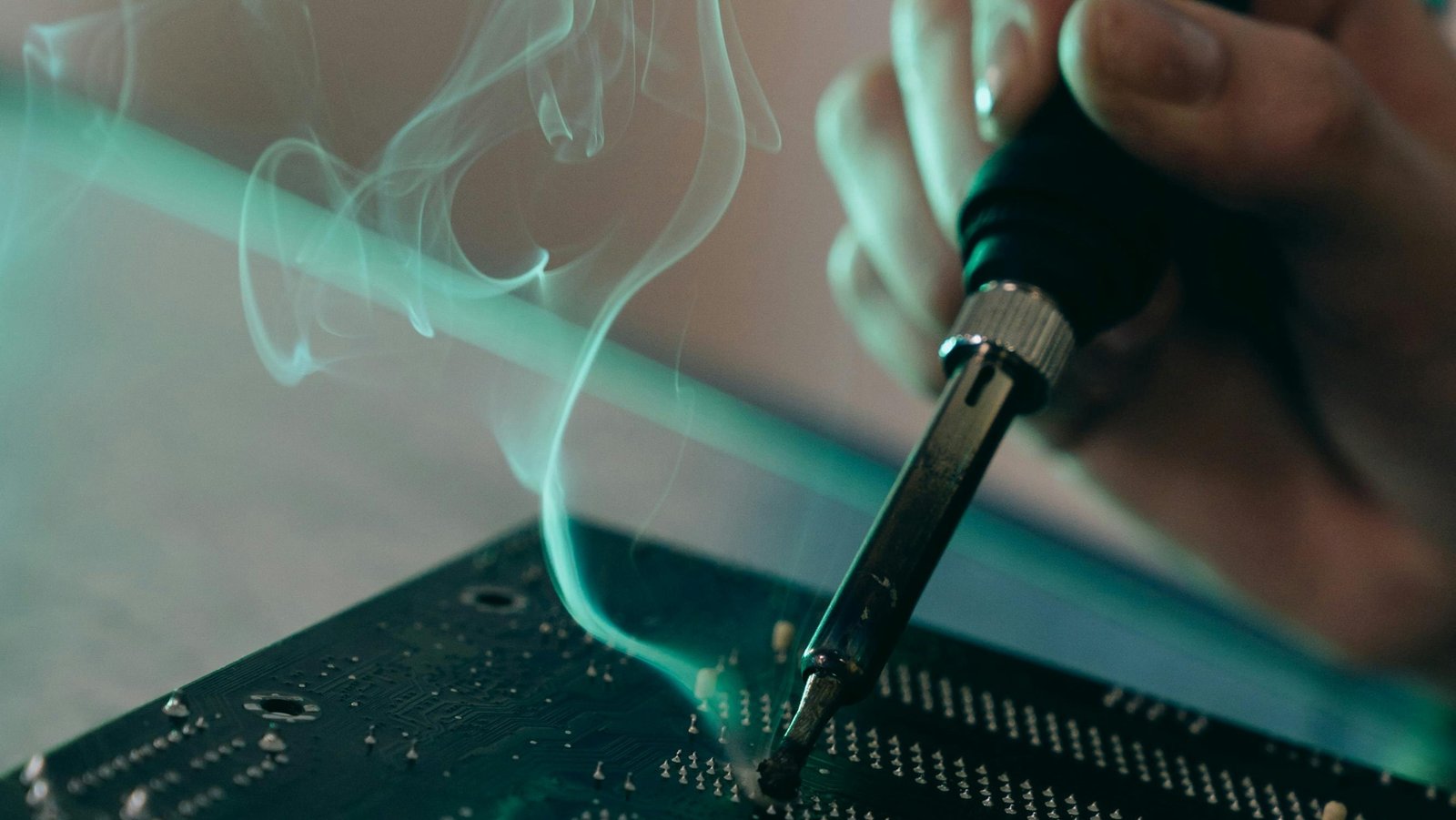
If you’re committed to DIY’ing your own custom PS5 controller, invest in proper tools:
Total investment for serious DIY work: £100-200 before we even factor in the cost of replacement parts.
Paint problems are common. Drips and runs, peeling, and uneven texture tend to happen when you don’t make custom PS5 controllers for a living. The same goes for missing screws, torn ribbon cables, and triggers that don’t click due to misaligned springs and actuators.
Luckily, we’re here to help. We offer repair services to fix damage you may have caused to your DualSense while making a custom PS5 controller.
Remember, it’s better to admit defeat and get professional help than permanently brick a £60 controller.
Sourcing parts in the UK: Amazon UK, eBay, and specialist sites offer replacement shells, buttons, and basic components. For Hall Effect modules and advanced parts, you’ll likely order from AliExpress or overseas suppliers, which can take anywhere between 2 and 4 weeks to ship.
Legally, modifying your own controller for personal use is entirely legal in the UK. On the other hand, selling modified controllers as a business requires compliance with consumer protection laws and potentially product liability insurance. Avoid any modifications that enable cheating (macros, rapid-fire) as these may violate PlayStation’s Terms of Service and can result in account bans.
As for the warranty, opening your DualSense voids Sony’s warranty immediately. DIY work removes any manufacturer support if something goes wrong.
The modern approach to custom PS5 controllers bypasses DIY entirely through online configurators.
For example, with our custom builder, you can design every element of your controller through a visual interface, then professional technicians build it to your exact specifications.
The process is remarkably straightforward:
Step 1: Choose your base – Start with shell colour, texture, and finish. Options include solid colours, skins (Blue Flame, Cyber Plague, Galaxy patterns), and premium finishes.
Step 2: Customise face buttons – Select colours for X, O, Square, and Triangle. Mix and match or coordinate with your shell.
Step 3: Analog stick selection – Choose between standard, domed (PS3-style), or metal finishes. Select heights through the I.A.S. (Interchangeable Analogue System)—9mm standard, 10mm medium, or 12mm tall.
Step 4: Trigger options – Standard analog, digital triggers for FPS games, or custom trigger stops. Each affects gameplay differently.
Step 5: Add performance modifications:
Step 6: Finishing touches – LED colours, grip textures, and personalized touches complete the design.
The entire design process takes 10-15 minutes. Professional assembly ensures perfect results—no paint drips, no misaligned buttons, no soldering failures.
If customization feels overwhelming, pre-configured professional controllers deliver competitive-grade performance without the design work.
The TCP Pro PS5 Controller (£135) includes:
The TCP Ultimate PS5 Controller (£165) adds:
Both custom PS5 controllers are tested rigorously before shipping and include warranties covering manufacturing defects.
1. Quality finishes: Professional paint booths, proper curing times, and industrial-grade clear coats create finishes that won’t chip or peel. DIY paint jobs rarely survive more than a few months of regular use.
2. Technical precision: Soldering digital triggers or installing Hall Effect modules requires component-level expertise. Professionals have the tools, training, and experience to do it right the first time.
3. Warranty protection: Professional services back their work. If a modification fails or develops issues, you’re covered. DIY failures leave you with a broken controller and no recourse.
4. Time savings: Building a custom controller yourself—including research, ordering parts, assembly, troubleshooting—easily consumes 10-15 hours. Professional services deliver finished controllers in days.
5. No risk of permanent damage: One slipped screwdriver, one torn ribbon cable, one botched solder joint—your £60 controller becomes e-waste. Professionals absorb that risk.
Custom PS5 controller pricing breaks down logically:
Compare this to DIY costs:
Total DIY investment: £210-400 for uncertain results
Professional services deliver guaranteed quality for a similar (or less) total cost, with zero risk of breaking your controller during the learning process.
Choose DIY if you:
Choose professional services if you:
For most gamers, professional customization through The Controller People’s custom builder offers the best balance of personalization, quality, and value. You get exactly what you designed, built by experts, with none of the risk.
For UK-based gamers, domestic customization services offer significant advantages:
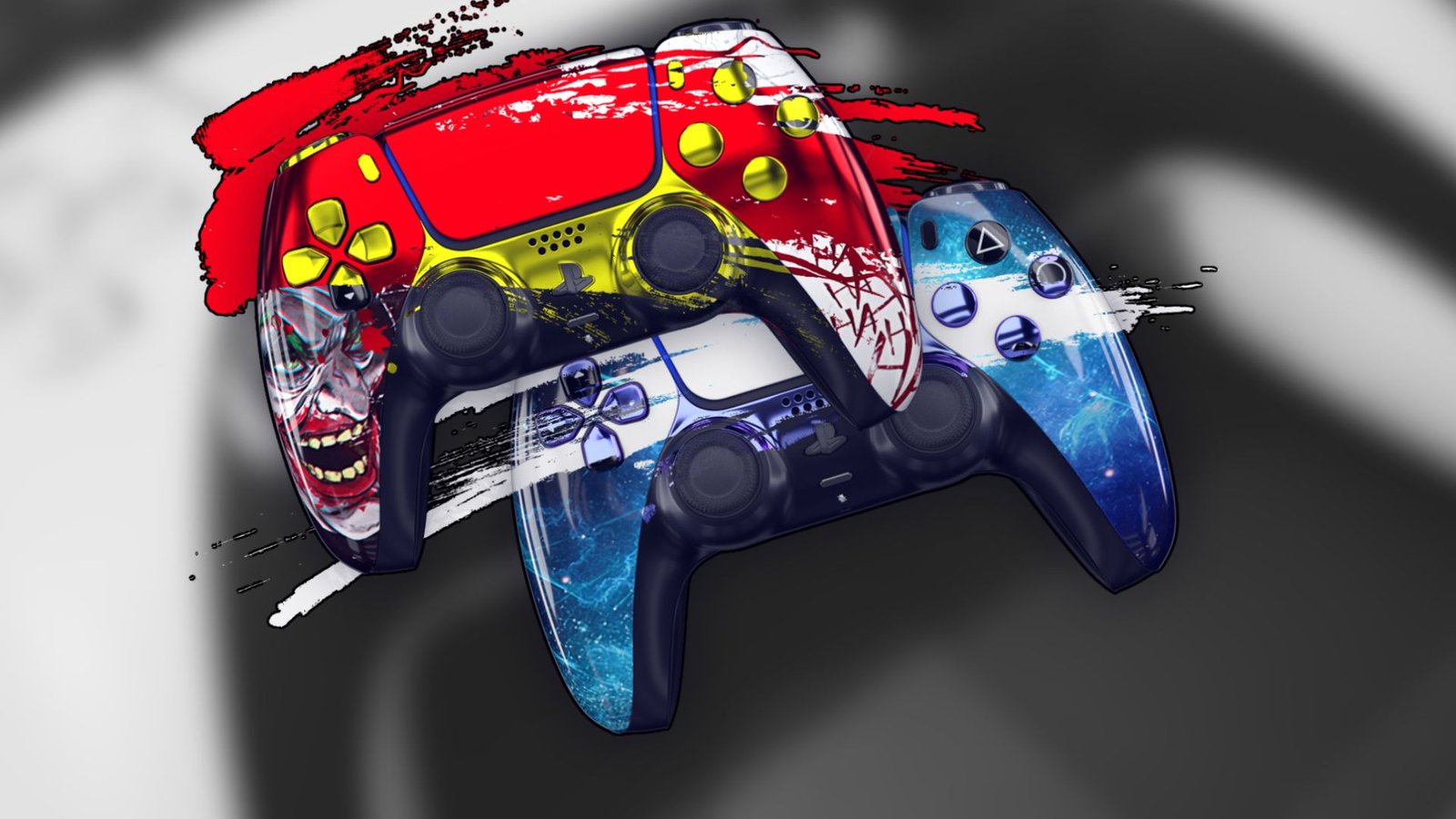
Customizing your PS5 controller doesn’t need to be a DIY ordeal. Simple cosmetic changes—painting shells, swapping buttons—are achievable at home with patience and proper preparation. But advanced modifications requiring soldering, component replacement, and technical precision are best left to professionals.
The Controller People built their reputation delivering exactly what online builders promise: custom controllers that perform flawlessly, look spectacular, and arrive ready to dominate. No soldering disasters. No paint drips. No voided warranties.
Design your dream controller. Let the experts build it. Get back to gaming with hardware that matches your ambitions.

The long wait is almost over. Insomniac Games’ R-rated take on everyone’s favorite grumpy mutant launches on September 15. Brutal and rage-driven, Marvel’s Wolverine is
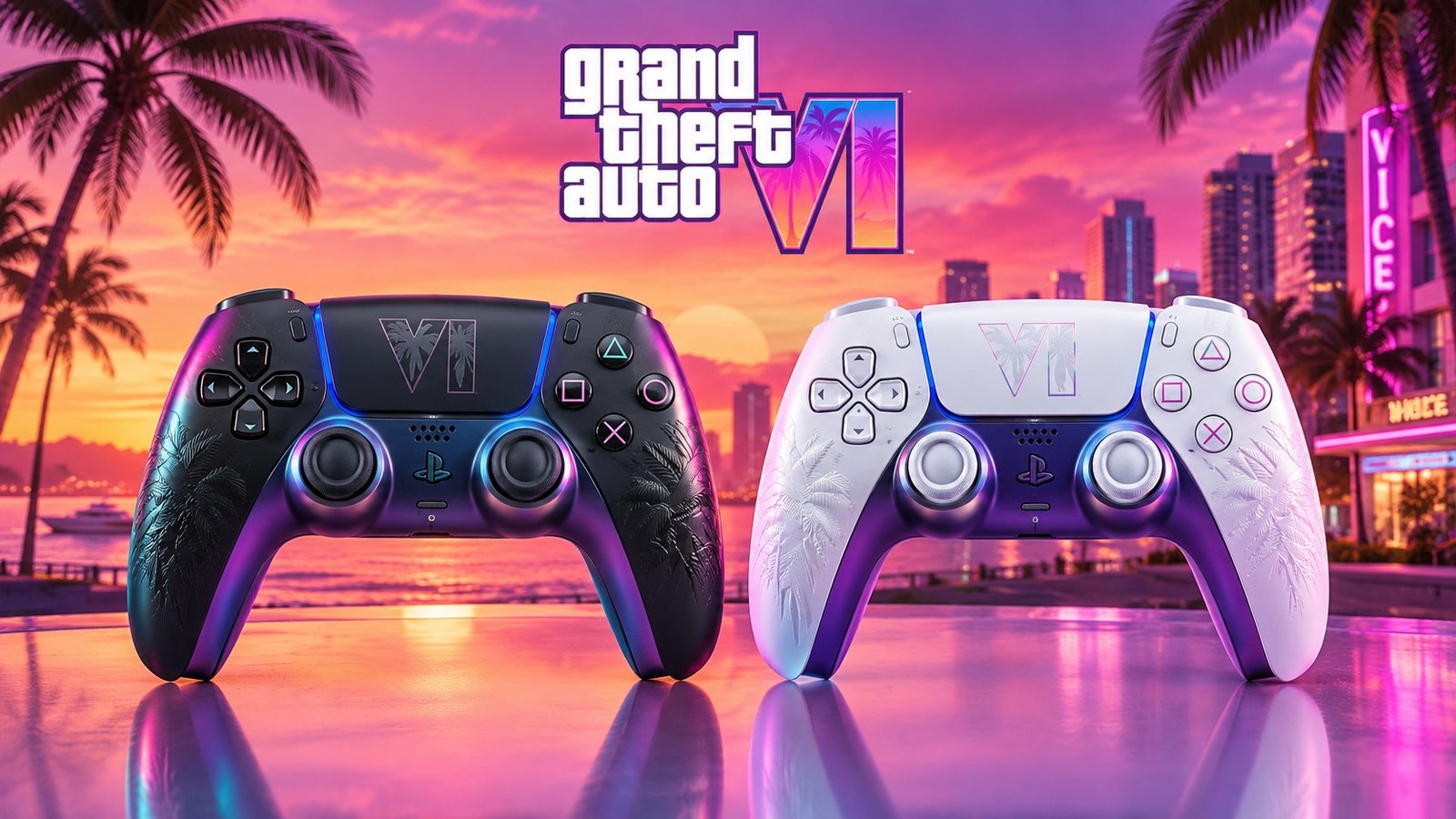
Sony just gave Grand Theft Auto VI the kind of treatment it normally reserves for its own biggest exclusives. At the September 3 State of

For years, the running joke was that we would get Grand Theft Auto6 before we got a proper look at Marvel’s Wolverine. Well, both are
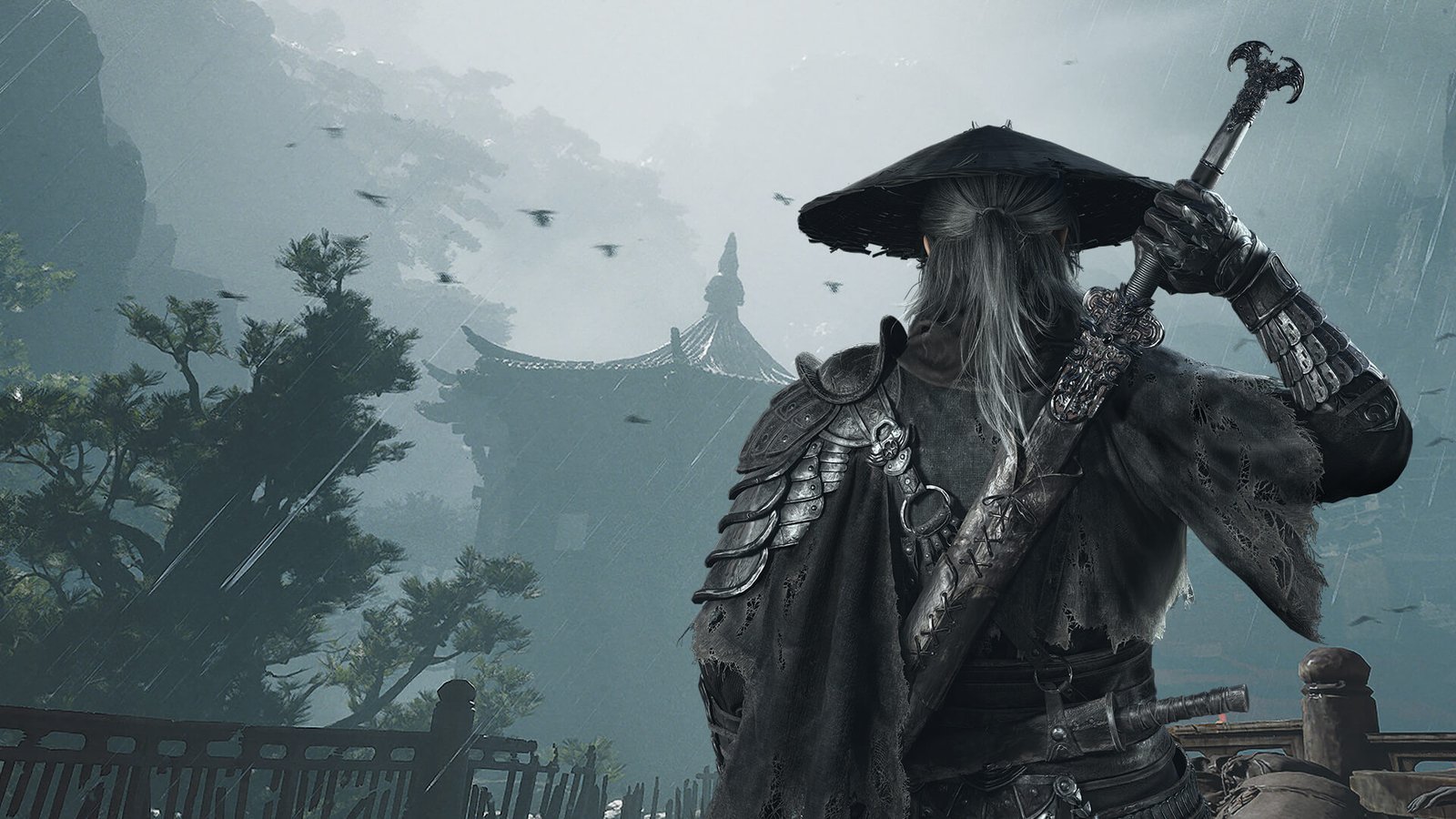
Phantom Blade Zero has been near the top of every action fan’s watchlist since it first showed up in 2023, and it finally arrives on
No comment yet, add your voice below!