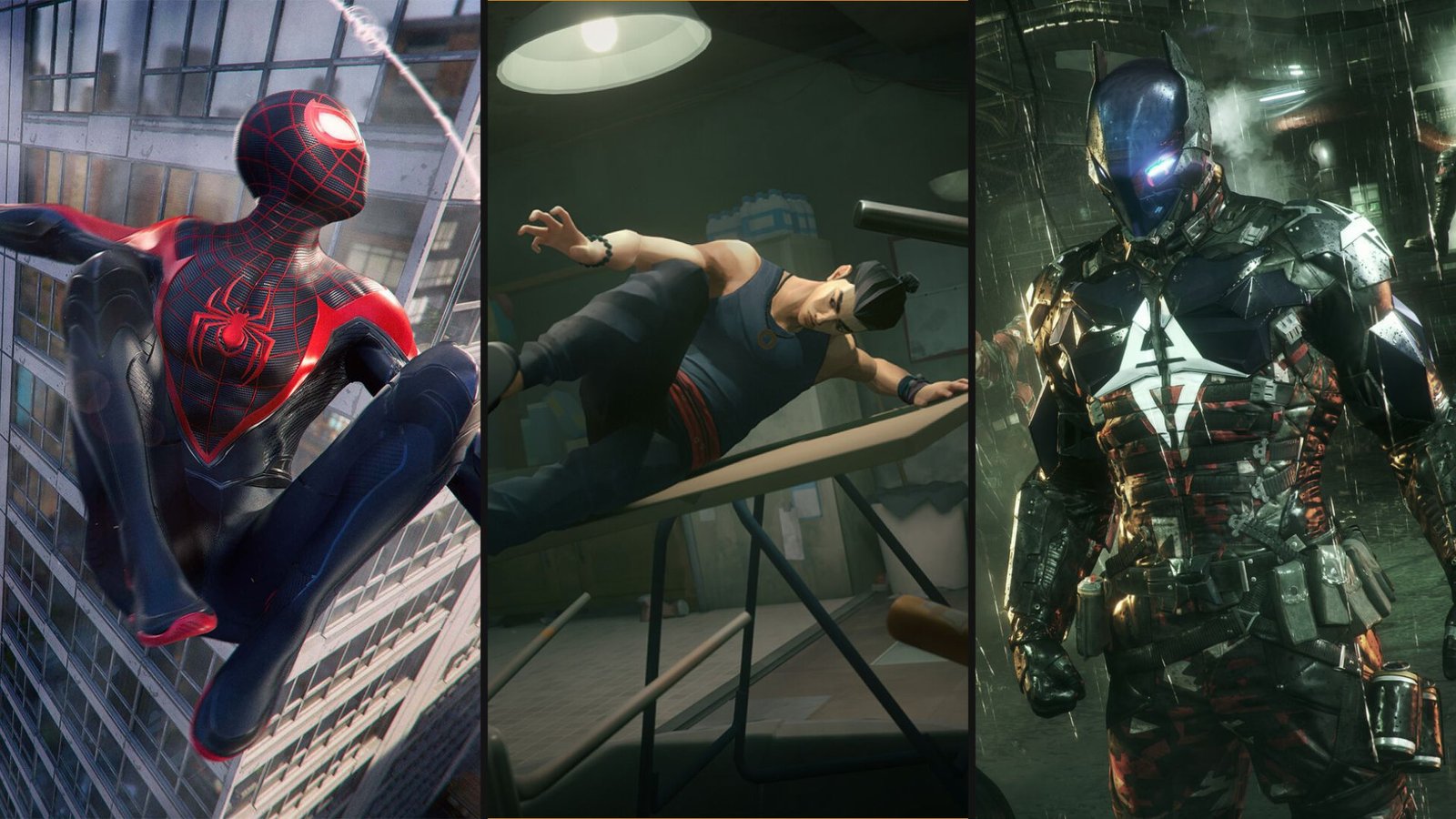
11 Games to Play While Waiting for Marvel’s Wolverine
The long wait is almost over. Insomniac Games’ R-rated take on everyone’s favorite grumpy mutant launches on September 15. Brutal and rage-driven, Marvel’s Wolverine is

Extraction shooters, perhaps more so than typical first-person shooters, punish messy inputs. Not because it’s “hardcore” for the sake of it, but because fights don’t politely wait for you to correct your aim. You get a burst of chaos, a few seconds to read the situation, and then you either stabilise the fight or you’re watching your loot disappear.
That’s why having the best controller settings for ARC Raiders matters more here than in a typical third-person shooter. You’re constantly swapping between scanning, snapping to threats, aiming at weak spots, and moving through tight spaces while you do it. The goal is simple. Make your right stick predictable, keep your aim steady while tracking, and keep movement comfortable so you don’t fight your own thumbs.
Below is what we’ve found to be the best PS5 controller settings for ARC Raiders with a few PS5-friendly adjustments so it doesn’t feel twitchy or drift-prone out of the gate. (We’ll fine-tune in the next section.)
These are the settings to get you into a good place fast:
These are the settings to get you into a good place fast.
Here’s what we suggest. You can try pushing inner deadzones all the way to 0, which can feel great on a brand-new stick, but it can also turn tiny natural stick noise into camera creep.
You can also try these settings:
If your controller has zero drift, you can lower these later in small steps until the camera just stops moving when you let go. If you already notice drift in other games, the best PS5 controller settings for ARC Raiders won’t help you. You need to bring your controller in for servicing.
By the way, we have one more practical tip before we get into fine-tuning: test the changes in the Practice Range first. You want to get a feel for the difference first before risking a real run.
If you want a quick general refresher on PS5 FPS-style controller setup habits that carry over well into ARC Raiders, you can check out our guide.
The baseline numbers get you in the right neighbourhood. The next step is making the sticks feel like they belong to your hands, not someone else’s.
Keeping Horizontal around 75 and vertical around 60 is the common “fast but still controllable” pairing. If you’re coming from slower third-person shooters, that may feel a bit lively for the first hour. Don’t panic and drop it to 30. Give it a few raids, then adjust in small increments.
For aiming down sights, a 40% zoom multiplier and 50% scoped zoom works. That combo usually does two things. It keeps hipfire turning quick enough to survive close fights, then slows the fine aim just enough so you can stay on target when recoil or panic kicks in.
As a general rule of thumb, if you keep over-correcting while ADS, lower the zoom multiplier by 2 to 5 points.
Here’s a quick way to dial your deadzones without overthinking it:
Here’s the quick way to dial it in without overthinking it
Stop when the camera stays still and the stick still feels responsive. That’s your number.
Stop when the camera stays still, and the stick still feels responsive. That’s your number.
The idea behind keeping the look boost at 150 horizontal and 120 vertical, plus a 0.5 ramp-up is simple. This gives you smooth control at the start of a stick movement, then a faster turn when you push the stick further.
The fastest way to lose a close-range scrap in ARC Raiders is to take your thumb off the right stick at the wrong moment. Our pick for the best PS5 controller settings for ARC Raiders all boils down to keeping your aim on the target while you jump, slide, heal, and interact. However, we recommend making small mapping tweaks to keep movement actions accessible without sacrificing aim control.
If you play on a stock DualSense with no back buttons, the safest adjustment is to move one high-use action off the face buttons. The best candidate is crouch or slide. That’s the move you need while tracking someone. When the the crouch is set on a face button, you either stop aiming or stop moving. Neither feels great in an extraction fight.
If you do have back buttons or paddles, there’s an even better approach. Put the crouch or slide on one back button, then put jump on the other. This way, you’re keeping jump and movement actions available without pulling your thumb away from the aim.
Now, a quick PS5-specific note that most skip: if your controller has any drift at all, remaps can make it feel worse. Not because the remap causes drift, but because you start moving and aiming more aggressively, so the tiny camera creep becomes harder to ignore. That’s why we suggested a safer inner deadzone earlier instead of chasing 0. Also, pushing deadzones too low can turn drift into a constant annoyance.
If you want another example of how we lay out remaps and sensitivity logic for shooters, our Battlefield 6 controller settings guide follows a similar “start stable, then tune” structure.
Aim settings are the headline, but comfort keeps you consistent. We recommend tap-style interaction and reload behaviour because it cuts down on awkward holds during looting and mid-fight pickups. If you notice your aim feels fine in calm moments but goes messy under pressure, don’t touch your base sensitivity first. Keep the 75 horizontal and 60 vertical baseline, then adjust only your zoom sensitivity in small steps.
If you’ve been hovering over the download button, the best pitch I’ve seen isn’t “it’s the next big extraction game.” It’s that ARC Raiders can feel strangely human in a genre that usually trains players to shoot first. Solo raids often become friendlier than squad raids, with players chatting, sharing loot, and cooperating because the world is oppressive enough that teamwork starts making sense.
On that note, the proximity voice chat lets you talk like a person instead of spamming emotes. A free kit option lowers the stress of going in alone, so not every encounter feels like a high-stakes robbery. Matchmaking also keeps solo players in solo lobbies, so you’re not constantly running into full teams built for a different pace.
Also, if you’re wondering about solo play on PS5, PlayStation’s own page confirms the game is multiplayer-only, but you can still run solo or in small teams.
So, what are you waiting for? Now that you have the best PS5 controller settings for ARC Raiders, it’s time to test them out yourself.

The long wait is almost over. Insomniac Games’ R-rated take on everyone’s favorite grumpy mutant launches on September 15. Brutal and rage-driven, Marvel’s Wolverine is

Sony just gave Grand Theft Auto VI the kind of treatment it normally reserves for its own biggest exclusives. At the September 3 State of
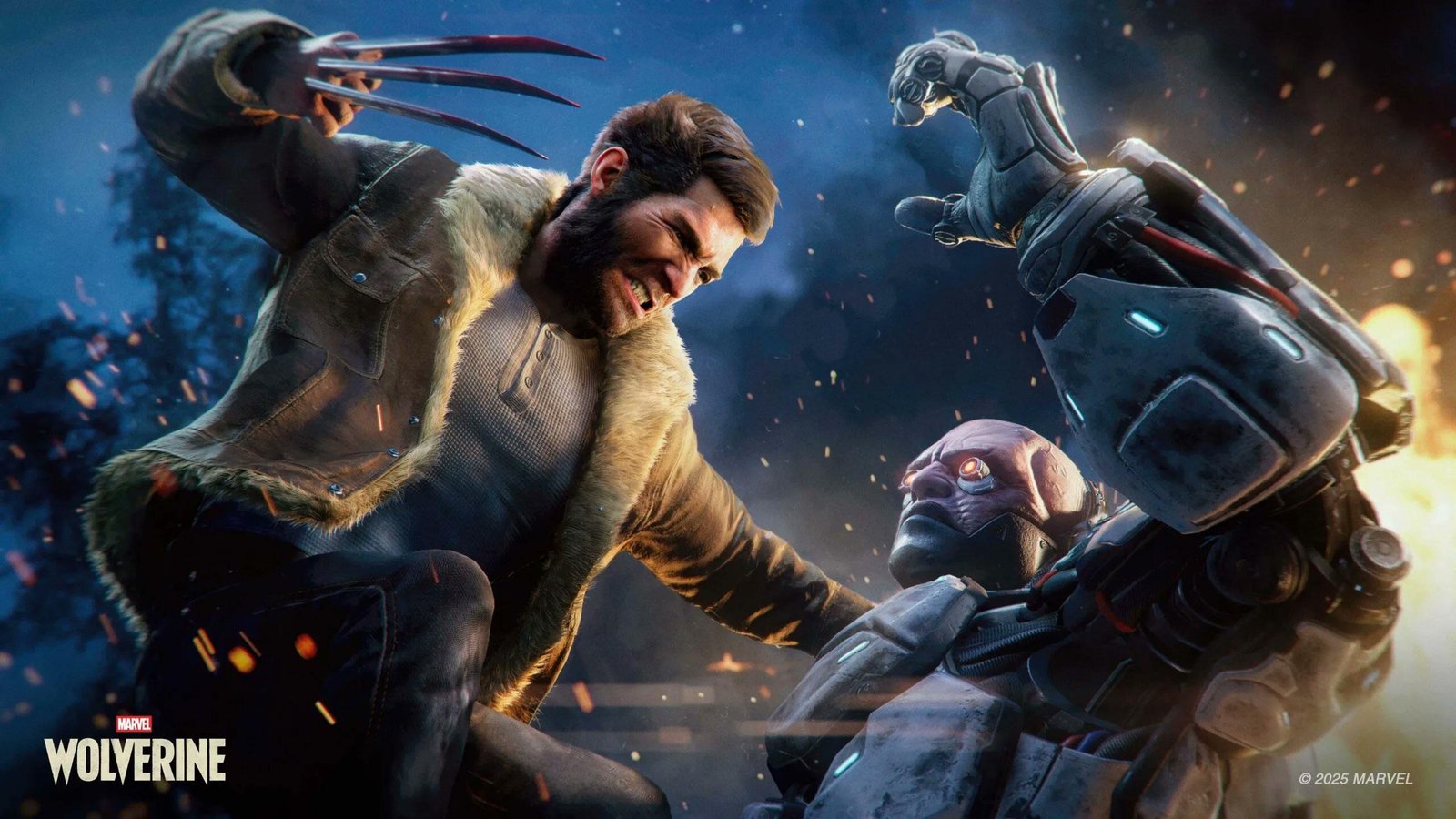
For years, the running joke was that we would get Grand Theft Auto6 before we got a proper look at Marvel’s Wolverine. Well, both are
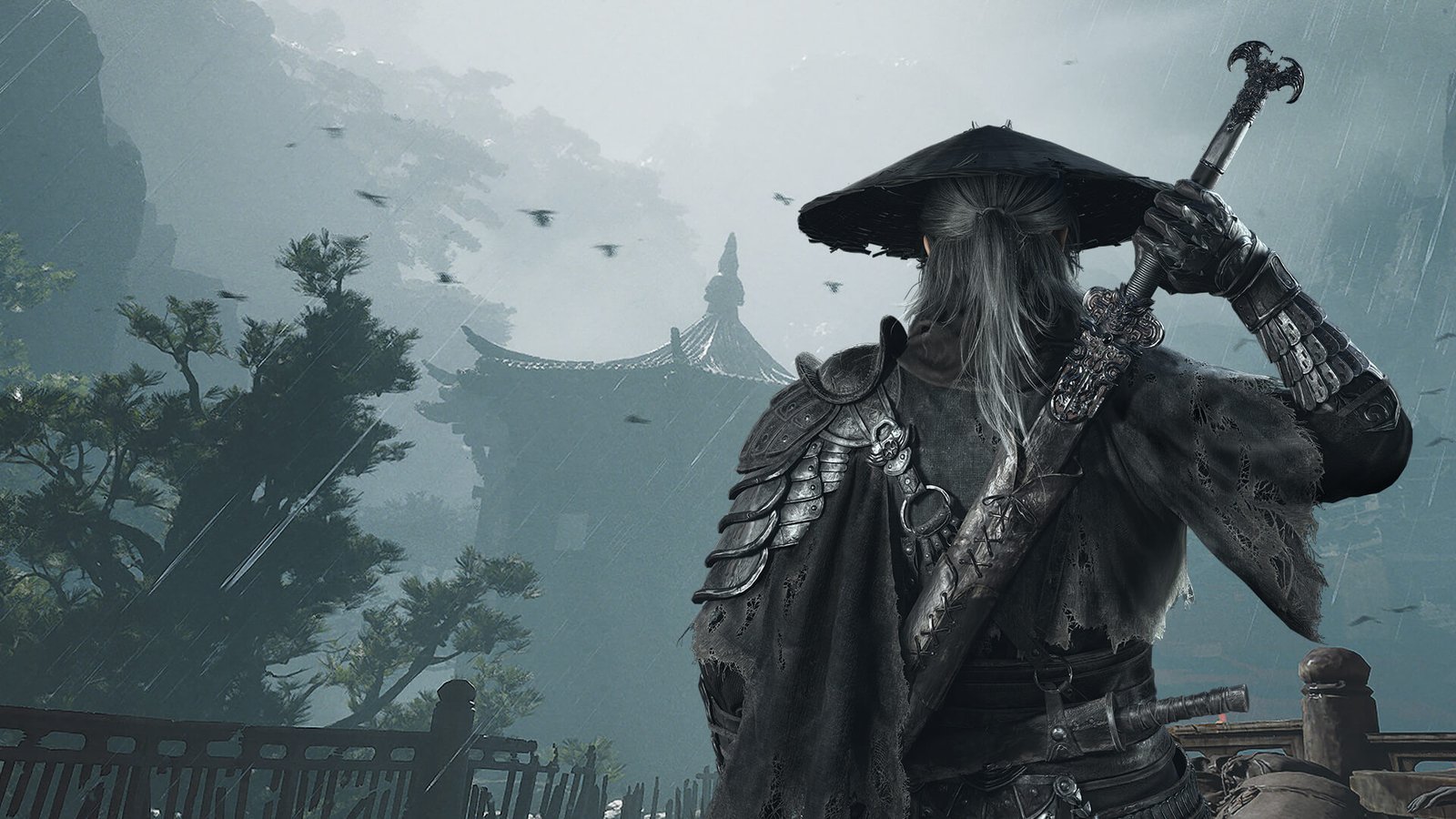
Phantom Blade Zero has been near the top of every action fan’s watchlist since it first showed up in 2023, and it finally arrives on
No comment yet, add your voice below!