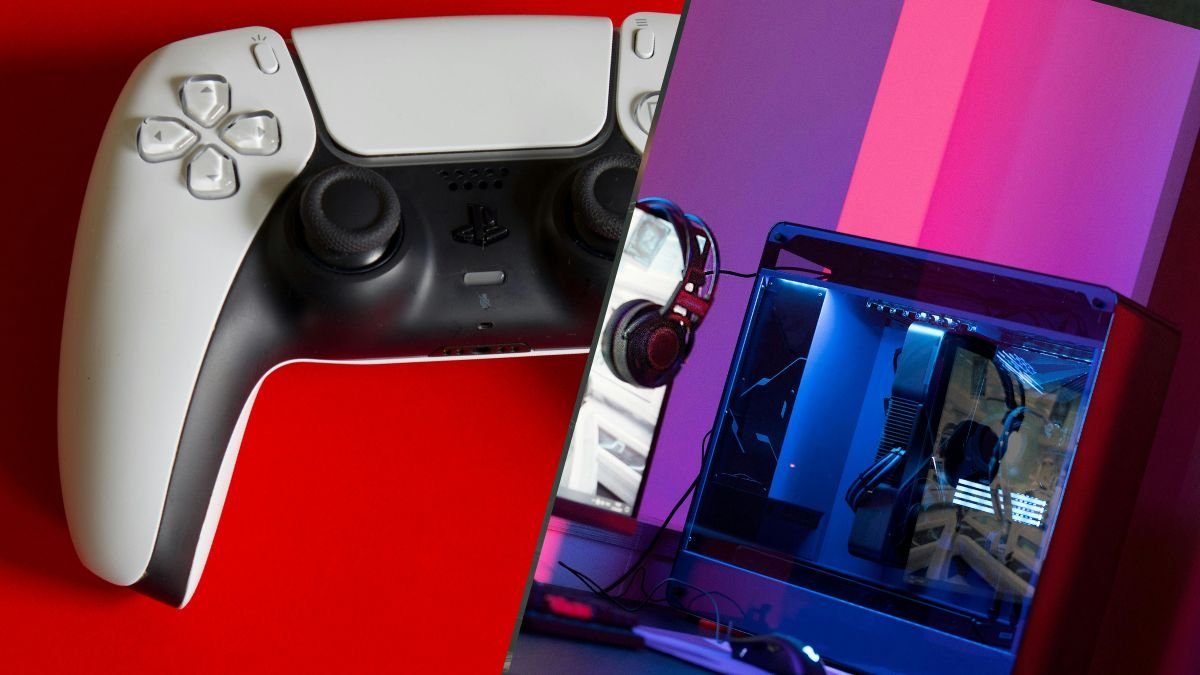
How to Use a PS5 Controller on PC: The Complete Guide for 2026
The PS5 DualSense is one of the best controllers ever made. It has adaptive triggers, haptic feedback, a built-in speaker, a touchpad, and a comfortable

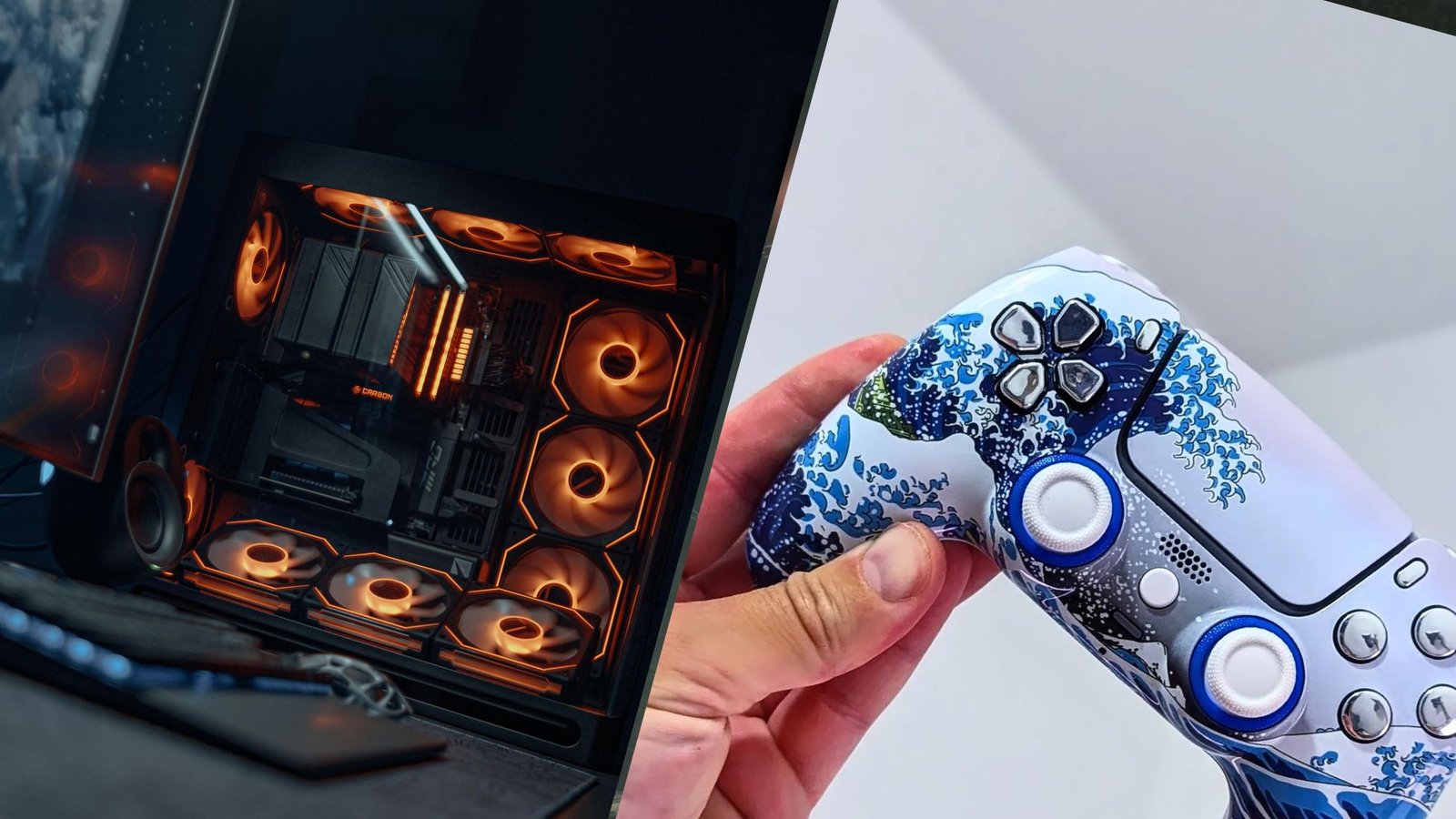
In the 2025 Apex Legends Global Series Championship, the majority of the top teams had at least one controller player. ImperialHal, arguably the most decorated competitive Apex player in history, switched from mouse and keyboard to controller mid-career. He was not alone.
The controller vs. mouse debate in FPS games has gone on for decades, but it’s become increasingly clear in recent years which pros prefer.
In 2026, the data show that controllers dominate the typical keyboard-and-mouse setup in certain games. This is not an argument that controllers are universally better than a mouse and keyboard. They are not. However, this does make the controller vs. mouse for FPS titles discussion a lot closer than it used to be.
In this article, we’ll examine why and what’s changed with the controller vs mouse for FPS debate, including how aim assist plays a role, the games where controllers win, and the hardware gap between a StockDualSense and a pro-grade controller like the TCP Pro.

Aim assist is the reason controllers are competitive in shooters. Mouse input provides raw precision that an analog stick physically cannot match. Aim assist compensates for that hardware limitation by providing subtle cursor adjustments when your crosshair is near a target. The debate is not whether aim assist exists. The debate is whether it overcompensates.
In 2026, the three biggest competitive shooters handle aim assist differently:
Contrary to popular belief, aim assist isn’t cheating. It’s a necessary compensation. It helps controller players compete in a genre designed for mouse precision. Without it, controllers would be non-viable in competitive shooters. With it, they are not just viable. They are, in several games, the preferred input.
A common MnK criticism is that aim assist does the aiming for controller players. This misunderstands how modern aim assist works. Aim assist does not lock onto targets. Neither does it auto-aim. It provides two forms of subtle assistance: slowdown (your crosshair decelerates when passing over a target) and rotational tracking (your crosshair receives a gentle pull toward a moving target at close range). The player still needs to position the crosshair near the target initially, maintain tracking through movement, and manage recoil. Aim assist smooths the input. It does not replace it.
The more interesting question is what happens when you combine aim assist with better hardware. Aim assist compensates for stick imprecision. If your sticks are more precise to begin with, the compensation has a higher floor to work from. TMR and Hall Effect sticks from TCP provide higher baseline precision than stock ALPS potentiometers, which means the controller’s physical input is closer to the precision aim assist is designed to bridge. Better sticks and aim assist working together is a combination mouse and keyboard cannot replicate.

The Call of Duty competitive scene is controller-only by rule. The Call of Duty League mandates controllers for all players. In Warzone, where cross-input matchmaking allows controller and MnK players in the same lobbies, controller players consistently populate the highest ranks. The rotational aim assist provides a tracking advantage that mouse flick accuracy cannot consistently counter in the fast, close-range engagements that define Call of Duty gameplay.
The shift in competitive Apex Legends from mouse and keyboard to controller has been one of the most documented input transitions in esports. Players like Genburten demonstrated that controller players could compete at the highest level. ImperialHal’s switch from mouse and keyboard to controller sent a clear signal: the competitive advantages of aim assist in close-range Apex fights outweigh the long-range precision of a mouse. Most professional teams now include at least one controller player, and many have gone fully controller.
The Fortnite competitive scene is split between controller and MnK, but controller players have won major tournaments and consistently placed in the top ranks. Building and editing on a controller is easier now thanks to custom button mappings and back buttons (or paddles). The ability to build, edit, and aim without lifting thumbs from the sticks is a controller-specific advantage that no mouse-and-keyboard layout can replicate, because the actions are naturally distributed across two thumbs and multiple fingers rather than requiring hand repositioning.
Rocket League is the clearest case. The game requires 360-degree analog input for car control, aerial orientation, and boost management simultaneously. Digital WASD input on a keyboard provides only 8 directions. An analog stick provides infinite directional granularity. Virtually every professional Rocket League player in the world uses a controller. Mouse and keyboard are technically usable but competitively non-viable at the highest level. This is not a matter of preference. It is a matter of physics.
Sports games are designed for controllers. The analog stick maps naturally to player movement, passing angles, and shot power. EA Sports FC, NBA 2K, and Madden are all played on controllers at the competitive level. There is no debate. The genre was built for the input.
Here is the part of the controller vs. mouse FPS debate that almost nobody discusses: the comparison is unfair.
When people compare “controller vs. mouse,” they typically mean a stock £65 DualSense versus a £100 to £150 gaming mouse with a £80 mousepad on a large desk surface. The mouse and keyboard side of the comparison is optimized. The controller side is not.
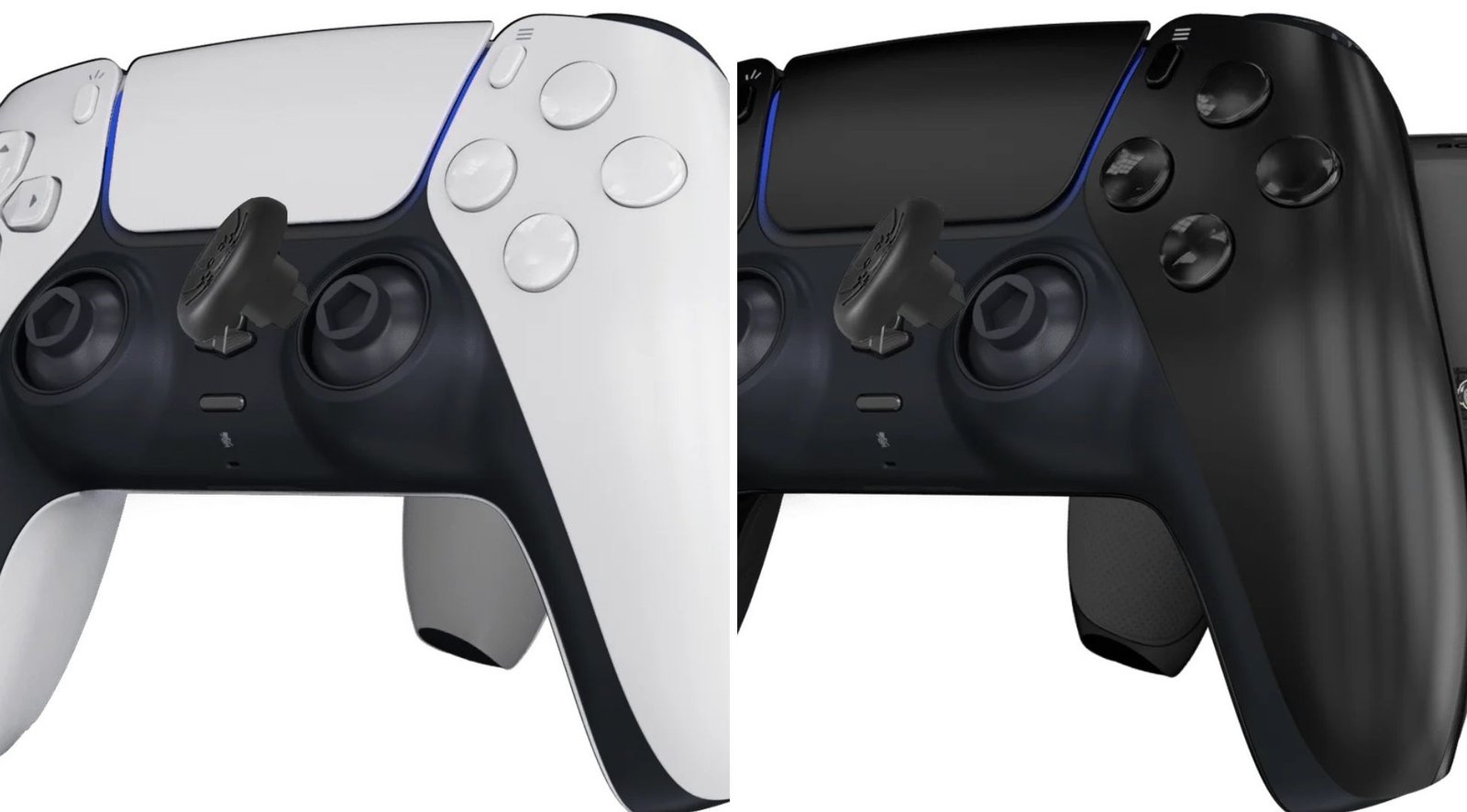
A stock DualSense has potentiometer sticks that drift within 18 months, long-throw analog triggers, no back buttons, and a fixed stick height. Compare that to a TCP custom controller with TMR sticks (contactless, drift-free, higher precision), digital triggers (near-instant actuation), ClickSticks (two back buttons for inputs without lifting thumbs), and IAS adjustable stick heights (physical precision tuning), and the comparison starts to favor controllers more.
Here is how each TCP modification addresses a specific competitive disadvantage.
A fully customized PS5 controller is a fair comparison to a £150 mouse and a £80 mousepad. In games with aim assist, the controller wins.
Genburten, one of the most mechanically gifted Apex Legends players in the world, plays on controller and has consistently demonstrated that aim assist combined with elite stick control creates a playstyle that MnK players struggle to counter at close range. His tracking accuracy in close-range fights is widely cited as evidence of controller viability at the highest competitive level.
ImperialHal, the most successful competitive Apex player in ALGS history, switched from mouse and keyboard to controller after years of MnK dominance. His reasoning was straightforward: the close-range tracking advantage of controller aim assist outweighs the long-range precision advantage of a mouse in the current competitive meta.
In Call of Duty, the question is not who uses controllers. Everyone does. The Call of Duty League is controller-only. Players like Scump, Shotzzy, and Simp have built Hall-of-Fame careers on controllers. In Warzone, Aydan plays controller on PC in mixed-input lobbies and consistently competes at the highest level against mouse and keyboard players.
In Fortnite, UnknownxArmy was one of the first controller players to win major competitive events, proving that the building meta was not mouse-exclusive. Since then, the number of controller players in competitive Fortnite has only grown.
What most of these players have in common, beyond talent, is that they use modified or pro-grade controllers. Custom back buttons, hair triggers, modified sticks, the works.
This is the detail that gets lost in the controller vs. mouse for FPS games debate often. When someone says “controllers are competitive,” they are usually talking about players who have invested in their controller hardware the same way mouse and keyboard players invest in a high-DPI sensor, a large mousepad, and a mechanical keyboard. The comparison between a £65 stock DualSense and a £150 gaming mouse is misleading because it compares baseline hardware against gaming-optimized hardware.
The fair comparison is between two optimized setups. In games with aim assist, the optimized controller wins more often than not.
Credibility requires honesty. Controllers are not better for everything.
Valorant and Counter-Strike 2 are mouse-and-keyboard games. They feature no aim assist, and their competitive design rewards the raw flick precision that only a mouse provides. The entire tactical shooter genre is built around mechanics that controllers cannot execute at the same speed: instant 180-degree turns, pixel-perfect angle holding, and rapid inventory management.
Real-time strategy games like Starcraft require 200+ actions per minute across a full keyboard. Controllers physically cannot match the input throughput.
MMOs with complex hotbar rotations, point-and-click adventure games, and any title requiring rapid mouse cursor precision are MnK territory. This is not a limitation of the player. It is a limitation of the input device.
Controllers are competitive or dominant in games designed for analog input with aim assist (shooters, racing, sports, action RPGs). Mice and keyboards are dominant in games designed for digital precision without aim assist (tactical shooters, RTS, MMOs). Know your game. Choose your input.
When comparing gaming on consoles and PCs, one of the key factors is the suitability of controllers. Consoles are specifically designed for use with controllers, providing a seamless experience. On the other hand, PCs offer more flexibility in terms of gaming peripherals. While many PC gamers prefer using controllers for certain games, the experience can vary. Some games may require additional software to properly recognize controllers, and settings may not be as intuitive as on consoles.
For those who prioritize ease of use and a standardized experience, consoles may be deemed better for controllers. However, for gamers seeking versatility and customization, PCs offer distinct advantages.
Console gaming is often regarded as more accessible to casual gamers than PC gaming. One of the primary reasons is set-up. Consoles come ready to use right out of the box, requiring minimal technical knowledge. Unlike PCs, consoles are a straightforward plug-and-play gaming experience.
Additionally, the user interface on consoles is typically designed with casual players in mind, offering intuitive navigation and clear menus. This user-friendly design helps players of all ages and backgrounds quickly grasp the system’s mechanics without feeling overwhelmed.
Moreover, consoles feature a wide variety of multiplayer games that encourage social interaction, allowing friends and family to gather and play together, making it a more communal experience that appeals to casual gamers looking for fun, social entertainment.
One of the most popular options is the Xbox Wireless Controller, known for its ergonomic design and compatibility with multiple devices. Its responsive buttons and customizable features make it a favorite among gamers.
Another leading choice is the PlayStation DualSense Controller, which introduces innovative haptic feedback and adaptive triggers that provide a more immersive gaming experience. The built-in microphone and speaker also add layers of interactivity that set it apart from traditional controllers.
However, as we’ve already mentioned, these are just the basics. What you want are upgraded custom PS5 controllers, like the one we offer here, such as the TCP Pro and the TCP Ultimate.
The controller vs. mouse for FPS debate in 2026 is not the same debate it was in 2016. Aim Assist has changed. It’s more mature. It’s no longer a form of borderline cheating. Pro players and entire competitive leagues are now controller-exclusive. The data, the tournaments, and the player switches all confirm that controllers are a legitimate competitive input in the games where most console players compete. The question is no longer whether controllers can compete. It is whether your controller is good enough to do so.
But “controller” is not a single category. A stock DualSense with drifting sticks, long trigger travel, and no back buttons is not competitive hardware. The gap between a stock controller and a pro-grade controller is as significant as the gap between a £20 office mouse and a £150 gaming mouse. One is a tool. The other is a weapon.
The TCP Pro controller (£135 to £140) closes the hardware gap with TMR drift-proof sticks, digital triggers, and ClickSticks back buttons. The TCP Ultimate (£165 to £190) adds IAS-adjustable stick heights, individual D-pad buttons, and premium grips to complete the competitive package.
Both are built on a genuine Sony DualSense. Both come with a 12-month warranty on Hall Effect and TMR upgrades. Both work on PS5 and PC.
The best part? You can make them your own!
If you are playing competitively with a controller, use hardware that matches your intent. Browse the full range of controller modifications or dial in your software settings with our game-specific FPS controller setup guide. For PC players using a DualSense, our PS5 controller on PC guide covers USB, Bluetooth, and Steam configuration.
The controller vs. mouse for FPS debate starts with your setup.

The PS5 DualSense is one of the best controllers ever made. It has adaptive triggers, haptic feedback, a built-in speaker, a touchpad, and a comfortable

We know. We know. The latest Resident Evil game came out weeks ago (February 27, 2026), so our best PS5 controller settings for Resident Evil
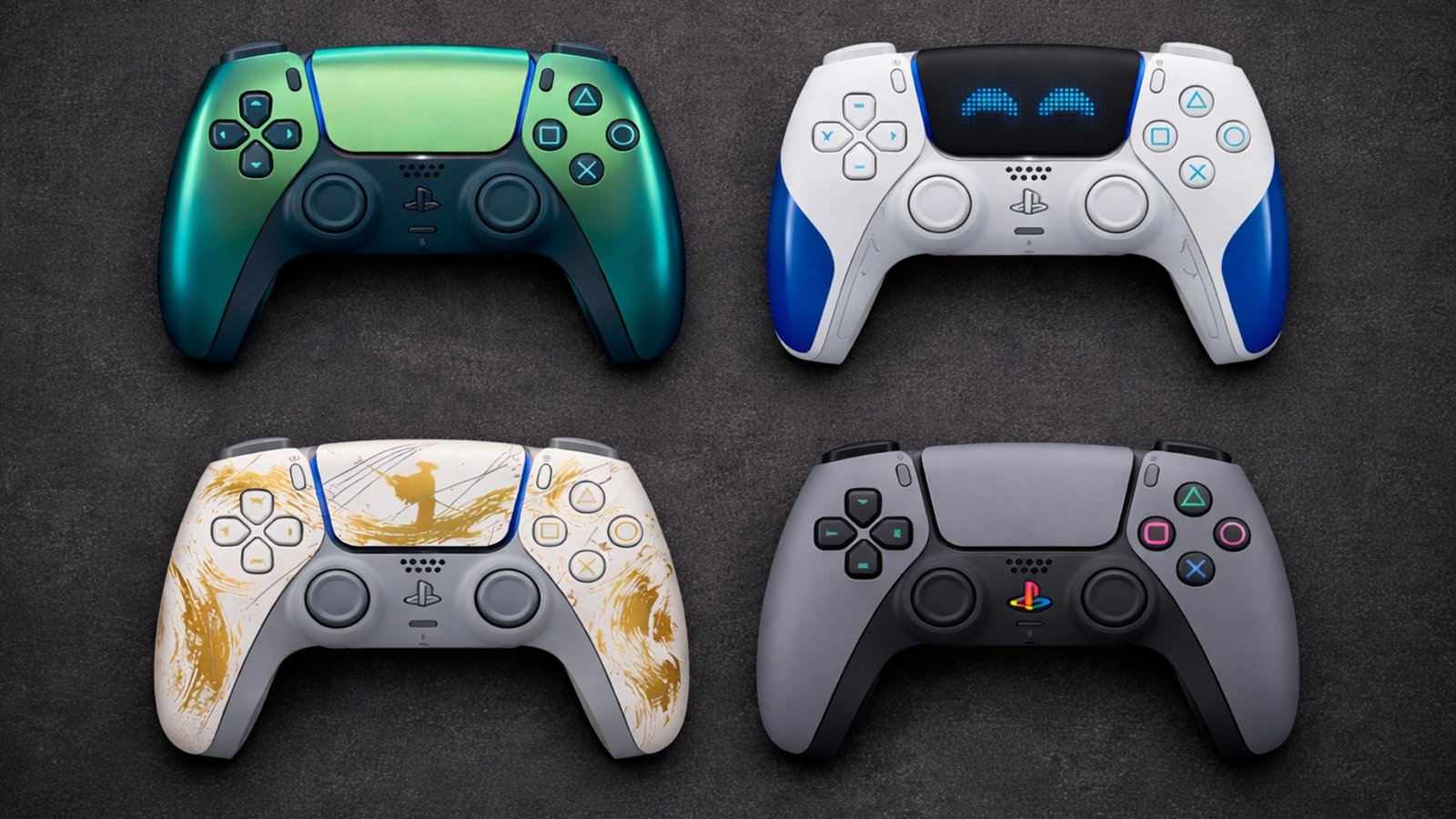
Sony has released over 30 limited edition PS5 DualSense controller colours and theemes the PS5 launched in November 2020. Some are genuinely stunning, but you
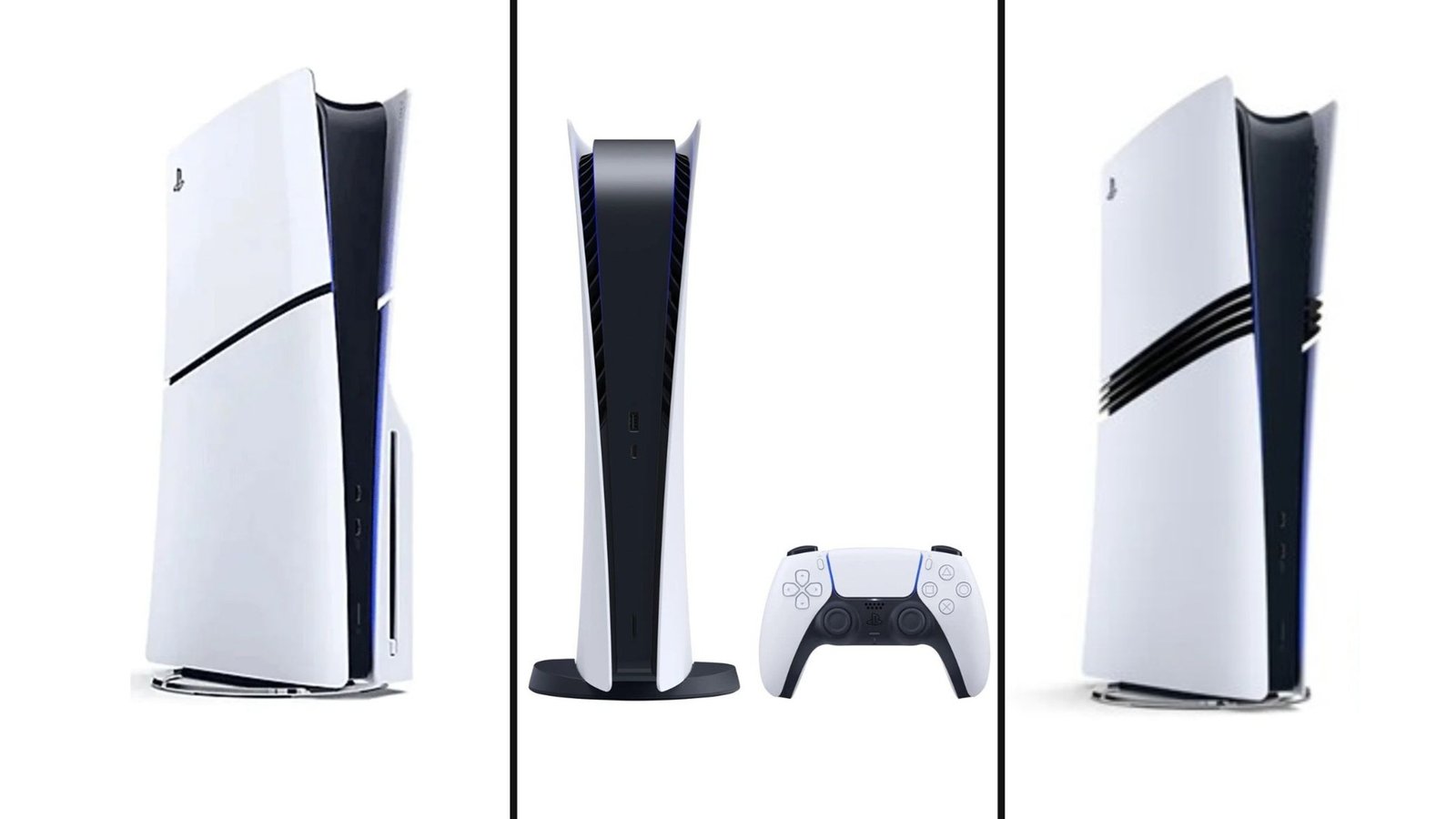
Not so fun fact: PS5 pricing has changed more in the last 18 months than in any previous PlayStation generation. What launched at $499 in
No comment yet, add your voice below!