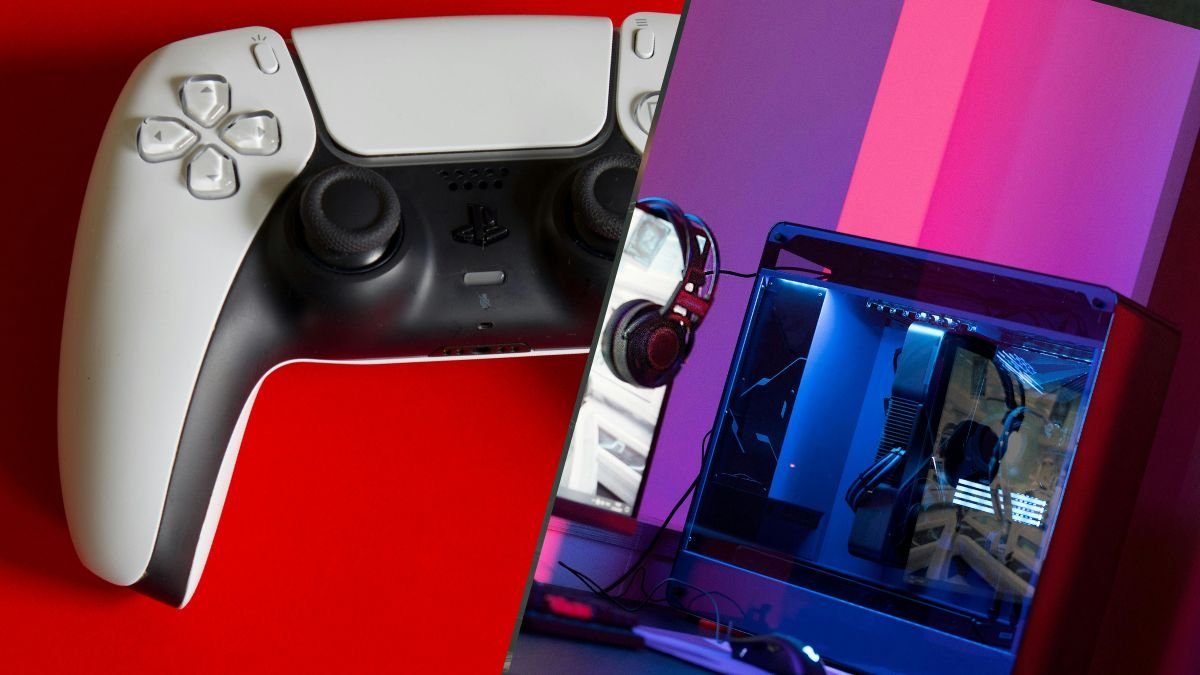
How to Use a PS5 Controller on PC: The Complete Guide for 2026
The PS5 DualSense is one of the best controllers ever made. It has adaptive triggers, haptic feedback, a built-in speaker, a touchpad, and a comfortable

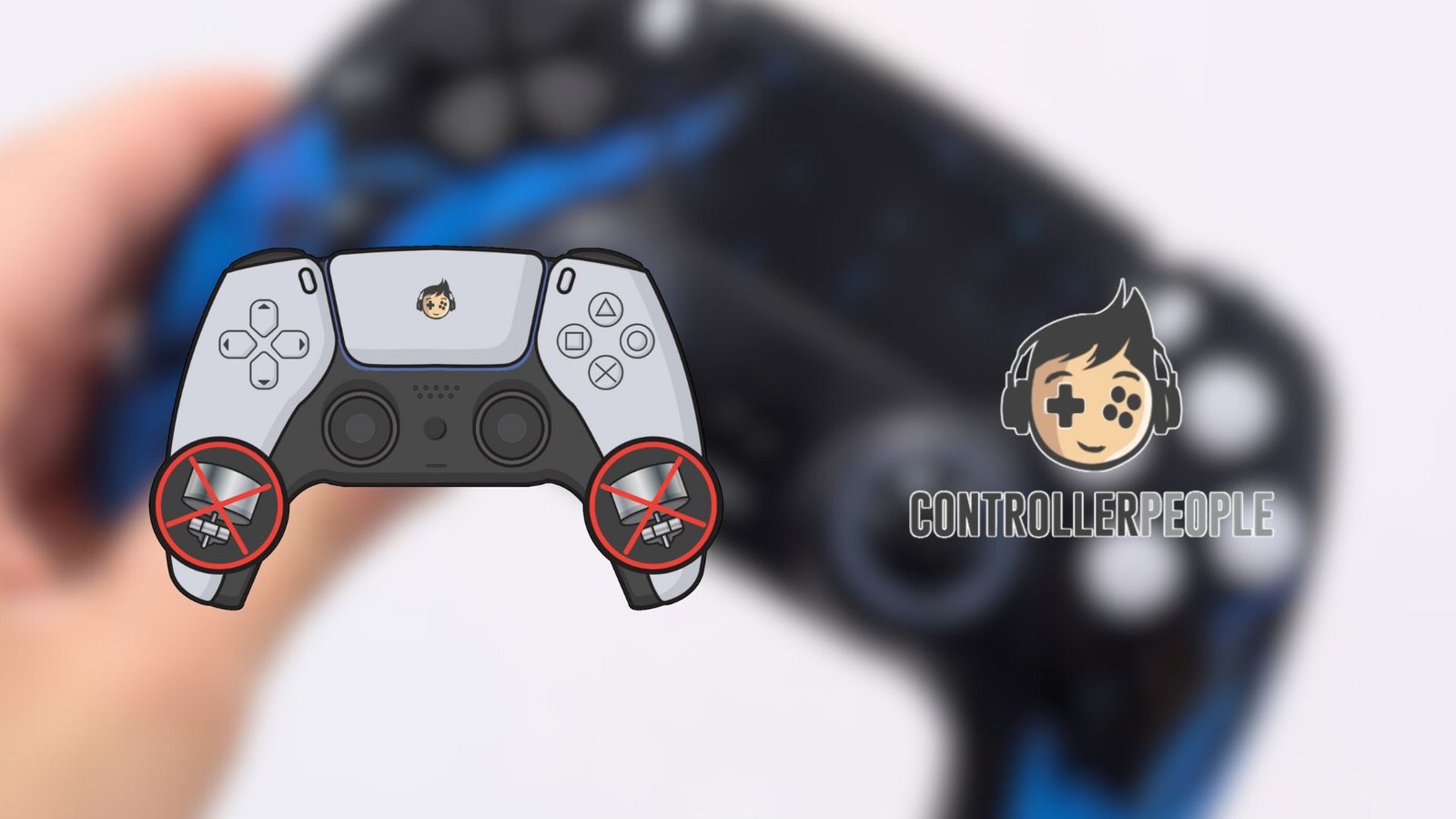
Most players never think about the rumble motors inside their controllers until someone mentions removing them. It sounds extreme at first. The vibration is such a normal part of the PlayStation experience that removing it feels almost sacrilegious. But once you understand the logic behind removing PlayStation controller rumble and why some players do it, the idea starts to make sense, especially if you care about comfort, battery life, or competitive consistency.

At The Controller People, we’ve seen just about every play style you can imagine. Some want the heaviest feedback possible, some turn vibration off in settings, and others want the rumbles completely removed.
Why is that? Well, inside a DualSense or DualShock 4, the rumble motors are chunky pieces of hardware. They’re not delicate, and they’re not subtle. They add a surprising amount of weight, especially over long sessions. Removing them creates an instantly noticeable change. The controller feels easier to hold, easier to move, and less fatiguing during games that require constant micro-adjustments.
For players who value accuracy or who game for hours at a time, that lighter feel becomes a real advantage.
There’s also the matter of battery life. Vibration motors pull more power than most people realise. Even modest rumble feedback drains the battery faster because the controller has to spin those motors each time a game triggers the effect. When players ask why their controller suddenly lasts longer after the motors are removed, the answer is simple: your controller uses less power, so there’s significantly less load on the battery.
It’s worth noting that removing PlayStation controller rumble functionality doesn’t interfere with anything else. Your inputs, sticks, triggers, and buttons behave the same way. If anything, the controller feels more focused because nothing interrupts your hand movements during tight moments
On TikTok, you’ll sometimes see us working on these modifications during live repair sessions. It gives players a chance to watch the process and get a feel for how straightforward the change is. Sometimes that behind-the-scenes look helps people decide if removing the PlayStation’s rumble feature is for them or not.
If rumble feedback is something you rely on for immersion, then this isn’t the modification for you. But if you want a lighter, longer-lasting controller that feels sharp during long sessions, read on.
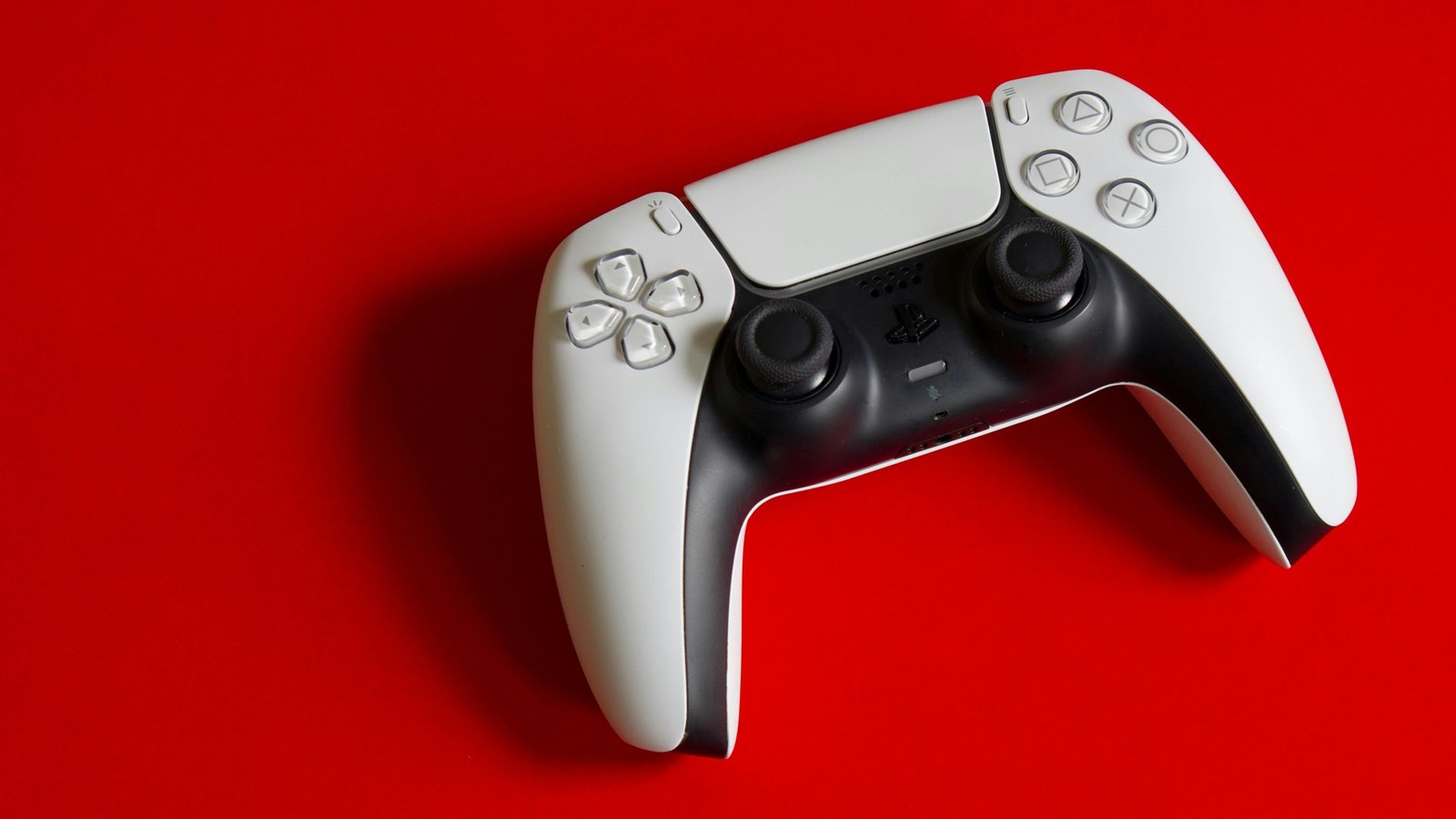
From a technical standpoint, the rumble units inside a DualSense or DualShock 4 are two small motors spinning weighted discs. They vibrate the controller to simulate recoil, explosions, or environmental effects. Those motors occupy space, add weight, and draw power whenever they activate. When combined, these small details create a controller that feels heavier, drains faster, and leaves your hands tired after long gaming sessions.
Although the motors appear small, they sit in the controller’s grips, which your hands support at all times. Once they’re removed, the controller sits more comfortably and feels easier to move for fine aiming.
The lighter feel resulting from removing PlayStation controller rumble helps during long competitive sessions, especially for shooters, where precise stick control matters more than the immersive effect of vibration feedback.

Most players never think twice about the small motors buried inside their controller. They sit there humming along during cutscenes, firing sequences, or driving sections. They vibrate when you get tagged in a shooter or when your character takes a hit. They add atmosphere, sure, but they also add something else that most players don’t realise until the motors are gone. Weight. A surprising amount of weight.
The weight difference is especially noticeable on the DualSense. Sony packed the default PS5 controller with an extensive list of features, including larger haptic motors, adaptive trigger assemblies, and extra internal components.
In terms of immersion, this is great. Many games, including Astro World, take full advantage of this. You could do without it, though, when you’re grinding ranked matches for hours in free PS5 games like Apex Legends, among others.
Removing PlayStation controller rumble trims a surprising amount of bulk from the controller. You’re not changing how the buttons feel. You’re not changing the shape or the layout. You’re simply taking out the components that add the most heft.
Some players assume that removing rumble takes away a gameplay advantage. In reality, most competitive players turn vibration off entirely because it muddles aim and adds unnecessary noise during intense moments. A heavy rumble during a gunfight can interrupt the subtle stick control you need for precise movement. That’s part of why so many high-level players disable haptics and vibration before adjusting sensitivity settings in games like Battlefield 6 and Call of Duty: Black Ops 7.
For the DualShock 4, the change is similar. The DS4 is already lighter than the DualSense, so removing the motors makes it feel surprisingly nimble. Anyone who plays shooters or fighters will feel the difference immediately. Long sessions become easier on the hands and wrists, and players who rely on fast flicks or rapid inputs often prefer the trimmed-down feel.
When you look at removing PlayStation controller rumble that way, it becomes less of a downgrade and more of a refinement.
Removing PlayStation controller rumble function isn’t a trendy mod or a performance hack. It’s one of those question adjustments that don’t look dramatic on the outside but changes the entire feel of the controller once you try it for yourself.
A lighter shell, smoother sessions, and noticeably better battery life may sound small on paper, but the difference becomes clear the moment you pick up the controller and start playing.
Players who stick with rumbles usually do so out of habit. They’ve always had vibration, so they keep it, even if half the time they turn the intensity down in the settings anyway. They don’t know how much weight the motors add, or realize how often vibrations pull their hand placement off-center, or the battery drain that comes from the rumble.
You know what they say, what you don’t know won’t hurt you.
The real question is: what kind of player are you? If you love rich cinematic immersion from single-player titles, stick with full haptics, because you’ll miss them. If you focus on precision, long sessions, or competitive pacing, removing the rumbles gives your hands a cleaner, more balanced foundation. Your sticks feel more deliberate. Your aim stays steadier. Your controller becomes easier to manage across hours of gameplay.
If you want the immersive shake and dramatic feedback from haptic motors, keep them. If you want a crisp, lightweight controller that stays focused on performance, we recommend removing PlayStation controller rumble as the first mod you should try for your DualSense or DualShock 4.
You’d be surprised how good a rumble-less PlayStation controller feels in your hands after acclimating to it for hours.
TLDR: removing PlayStation controller rumble changes everything. It’s more battery, less weight, and better performance, all in one mod.

The PS5 DualSense is one of the best controllers ever made. It has adaptive triggers, haptic feedback, a built-in speaker, a touchpad, and a comfortable

We know. We know. The latest Resident Evil game came out weeks ago (February 27, 2026), so our best PS5 controller settings for Resident Evil

Sony has released over 30 limited edition PS5 DualSense controller colours and theemes the PS5 launched in November 2020. Some are genuinely stunning, but you
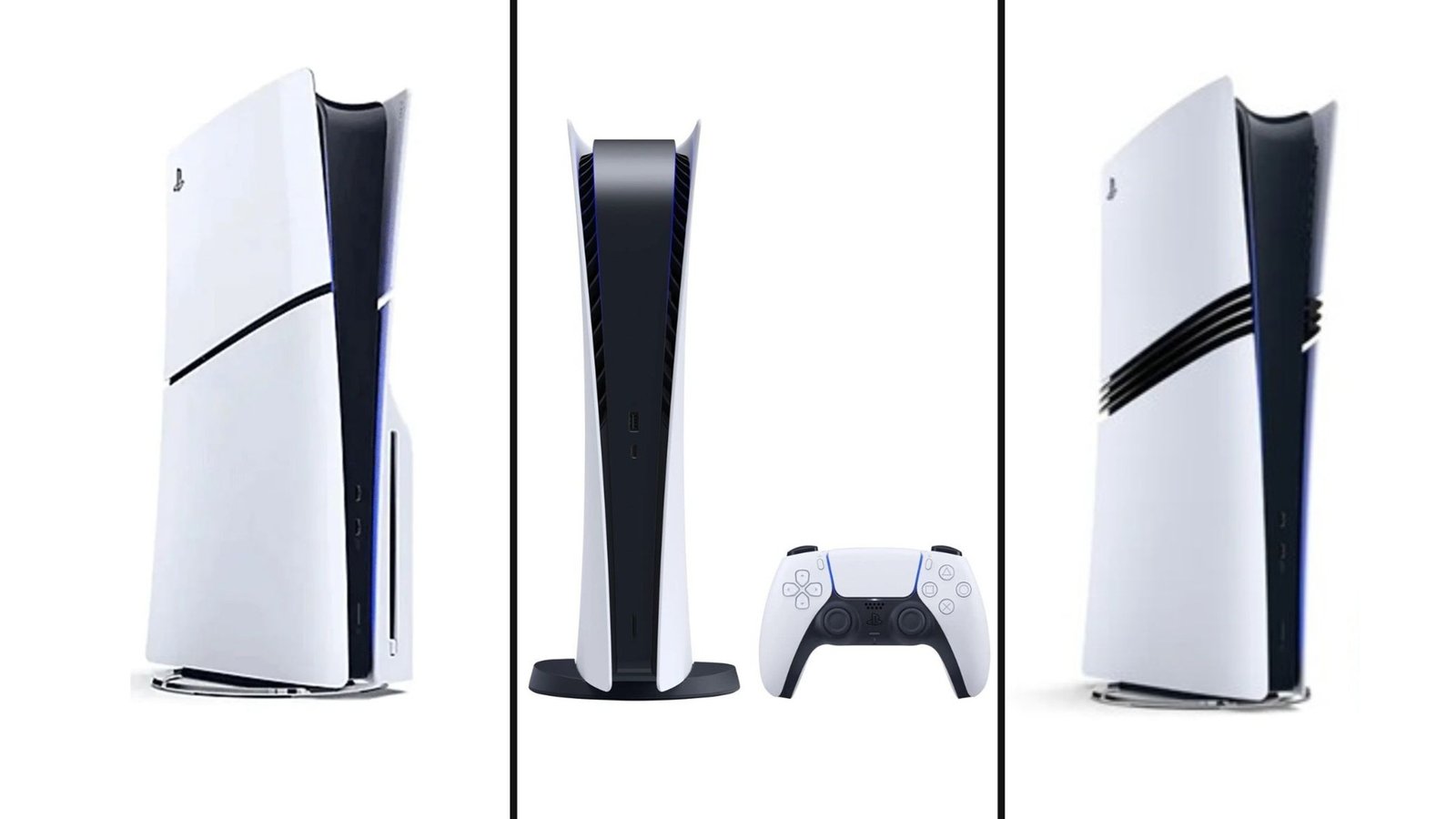
Not so fun fact: PS5 pricing has changed more in the last 18 months than in any previous PlayStation generation. What launched at $499 in
No comment yet, add your voice below!