
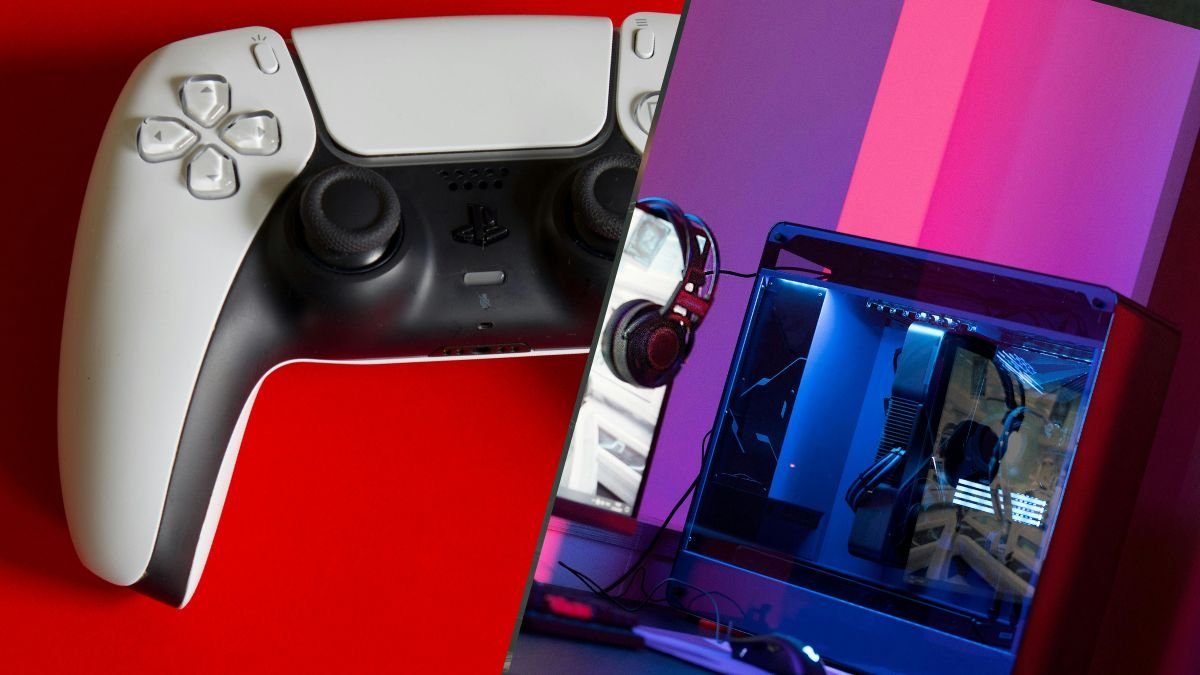
How to Use a PS5 Controller on PC: The Complete Guide for 2026
The PS5 DualSense is one of the best controllers ever made. It has adaptive triggers, haptic feedback, a built-in speaker, a touchpad, and a comfortable

Whether you’re a hardcore or a casual gamer, the right modification to your PlayStation 5 controller can make a huge difference in your gameplay experience. Remappable back buttons, reduced trigger travel, and extra paddles are custom PS5 controller features that will change how fast you react or how steady you aim.
In this article, we’ll walk you through three key upgrades available here at The Controller People and explain how to decide which should come first in a build (and why you should get all three!).
Each gets its own section below, and by the end, you’ll have a clearer guide on what custom PS5 controller features to prioritise based on how you play.
When you hear “back button” or “remap paddles,” the idea is simple: give your fingers extra inputs while your thumbs stay on the sticks.
The Controller People’s ClickStick system for custom PS5 controllers lets you add low-profile rear buttons that you can bind to controls such as jump, slide, reload, or melee, depending on the game. In a shooter, this means your aim remains locked in even while pressing another key. For adventure or RPG games, the benefit is less dramatic but still helpful: you keep movement and camera under constant control while reaching other actions with the ring or middle fingers.
If gameplay centres around fast-paced movement and split-second reactions, then back buttons should be high on your checklist. If instead you play single-player story games or other titles where tight aim and rapid inputs matter less, you may choose to prioritise trigger tuning or stick height first.
Back-button or paddle systems may sound similar to remap mods, but they add a level of flexibility and ergonomic advantage that standard remaps don’t always achieve. Our very own ClickSticks are a good example of this distinction. Instead of large protruding paddles like those found on some third-party pads, we’ve designed ours as low-profile studs into the back shell. These sit naturally beneath your fingers, giving you fast access without forcing uncomfortable grip changes.
Often underrated, this placement matters. In extended gaming sessions, awkwardly placed rear paddles can cause accidental presses and, in worst cases, cramping.
Adding ClickSticks to your custom PS5 controller avoids that by keeping the travel short and tactile, similar to a mechanical keypress. This means each input is audible, deliberate, and more importantly, quick, giving you control during fast transitions like sliding, jumping, and dodging.
What makes back-button systems worth prioritising is how seamlessly they integrate with your muscle memory. Once programmed, they become extensions of your natural movement rather than extra features you have to remember
Whether you’re sliding into cover in Call of Duty or performing aerials in Rocket League, or doing anything important in one of these fan-favorite PS5 titles, that control becomes instinctive after a few sessions.
We’ve found that players upgrading to the TCP Pro or TCP Ultimate models often describe this as the moment their controller starts feeling “faster”. That doesn’t come from extra sensitivity. Instead, it’s the result of refined input ergonomics, putting your hands in the same position while performing more actions in less time.
All three custom PS5 controller features—remap systems, trigger tuning, and back-buttons—improve control. But how you prioritise them depends on how you play.
If you focus on shooters or competitive titles:
If you play racing or sports simulations:
If you prefer exploration or story-driven games:
The goal isn’t to add every feature possible. Rather, it’s to build a controller that matches your preferences, and, of course, your reflexes.
The good thing about these custom PS5 controller features is that you don’t have to have everything. You can start with one or two meaningful upgrades before jumping into a fully modded setup immediately.
Choosing upgrades for a controller should start with how you actually play. The mistake many players make is buying every possible modification without thinking about how those features interact. Each part changes the controller’s behaviour, and sometimes a simple setup can outperform an overloaded one.
Before adding new components, ask three questions:
Our modular upgrades are meant to let you add features now and more later without replacing the entire controller. This is especially useful for players who want to experiment. This means you can add ClickSticks to your custom PS5 controller and grip upgrades, then later add digital triggers or shorter thumbsticks when you feel ready for a faster setup.
Another thing to consider is repairability. Controllers with removable or modular parts are easier to maintain and send for service when needed. Our repair options cover everything from stick drift to button replacement, so choosing their ecosystem means any worn part can be restored instead of discarded.
Certain upgrades naturally pair well together, producing stronger results than when used alone.
Here are examples of must-have features for a custom DualSense controller:
Think of your custom PS5 controller as an evolving tool. Each new feature should complement your existing habits rather than forcing you to relearn them.
Upgrades should never come at the cost of comfort. A controller that feels too stiff or crowded can cause fatigue and inconsistent play. The TCP Pro, for instance, pairs its ClickStick system with a grip-friendly shell so every press feels natural. Unlike some third-party paddles that jut out awkwardly, the low-profile design keeps your hands relaxed through long sessions.
If you’re experimenting with new mods, take time to adjust before layering on more. Remaps and trigger stops can change how your hands move, and rushing the transition often leads to overcorrection. Once you find a setup that feels balanced, resist the urge to keep modifying it for the sake of novelty. The best build is the one that feels invisible in use, but with noticeable results.
Comfort also applies to mental flow. Knowing that your controller behaves predictably in every match creates focus. When a button fires exactly when you expect, or when your triggers reset with a crisp click, that consistency becomes part of your reflexes. That’s the real reason professional players invest in these features.
Having these custom PS5 controller features gives you speed and reliability.
Choosing priorities becomes easier when you match custom PS5 controller features to the way you play. A simple way to think about it is through three core playstyles:
Every upgrade on a PS5 controller carries purpose, but the right priorities depend on what you want to feel in the game. Remap systems let your fingers move with freedom. Trigger tuning cuts the delay between thought and action. Back-buttons keep your aim steady under pressure. Each has merit, but together they form a controller that feels like an extension of your own reflexes.
Our philosophy is simple: make adaptable PS5 controllers. Start by identifying what limits your play today, then choose the controller features that remove that limitation first.
When you’re ready to explore real improvements, or you just want to get a new colorway or shell, we have options available at The Controller People.
We design every mod to fit seamlessly, testing them for durability and building them for players who want more control without compromise.
What’s the difference between back-buttons and paddles?
Back-buttons, like The Controller People’s ClickSticks, sit flush with the controller shell and press directly under your fingers. Paddles are larger and extend outward. While both serve the same purpose, ClickSticks give a more natural feel with less accidental pressing.
Are trigger stops allowed in competitive play?
Trigger stops and digital triggers are generally allowed because they only shorten the button travel. But of course, it’s best to check your tournament’s hardware rules first.
Can you remap ClickSticks without tools?
Yes. The ClickStick Remap System lets you reassign functions easily, giving you freedom to switch layouts depending on the game. No additional tools or software are required once installed.
How long does a custom controller from TCP take to build?
Build times vary based on the parts you select, but most orders ship within a few working days. Each controller is tested by hand at The Controller People’s UK workshop before dispatch.
\

The PS5 DualSense is one of the best controllers ever made. It has adaptive triggers, haptic feedback, a built-in speaker, a touchpad, and a comfortable

We know. We know. The latest Resident Evil game came out weeks ago (February 27, 2026), so our best PS5 controller settings for Resident Evil
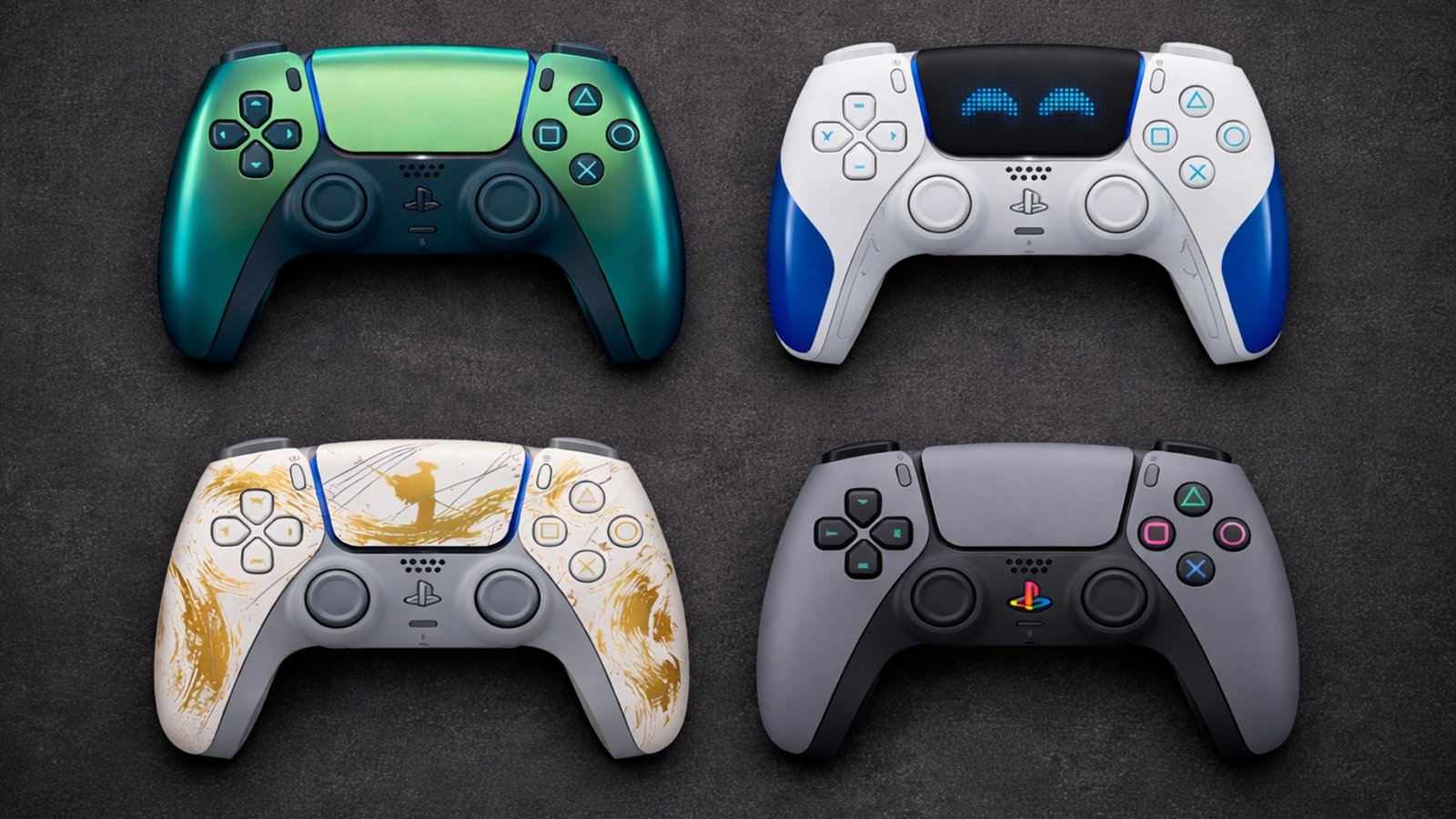
Sony has released over 30 limited edition PS5 DualSense controller colours and theemes the PS5 launched in November 2020. Some are genuinely stunning, but you
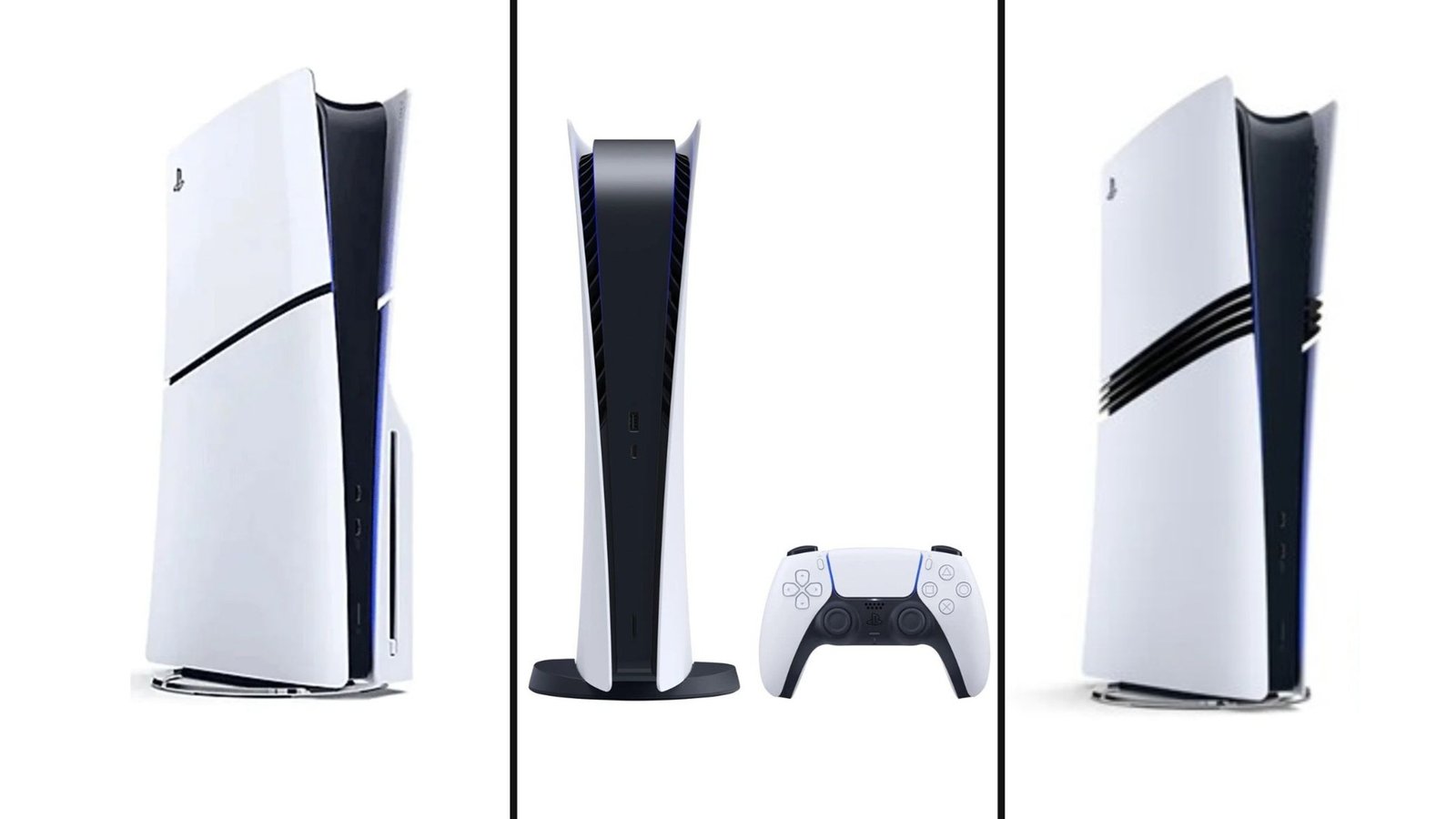
Not so fun fact: PS5 pricing has changed more in the last 18 months than in any previous PlayStation generation. What launched at $499 in
Will get back to you pretty quick!
No comment yet, add your voice below!