11 Games to Play While Waiting for Marvel’s Wolverine
The long wait is almost over. Insomniac Games’ R-rated take on everyone’s favorite grumpy mutant launches on September 15. Brutal and rage-driven, Marvel’s Wolverine is

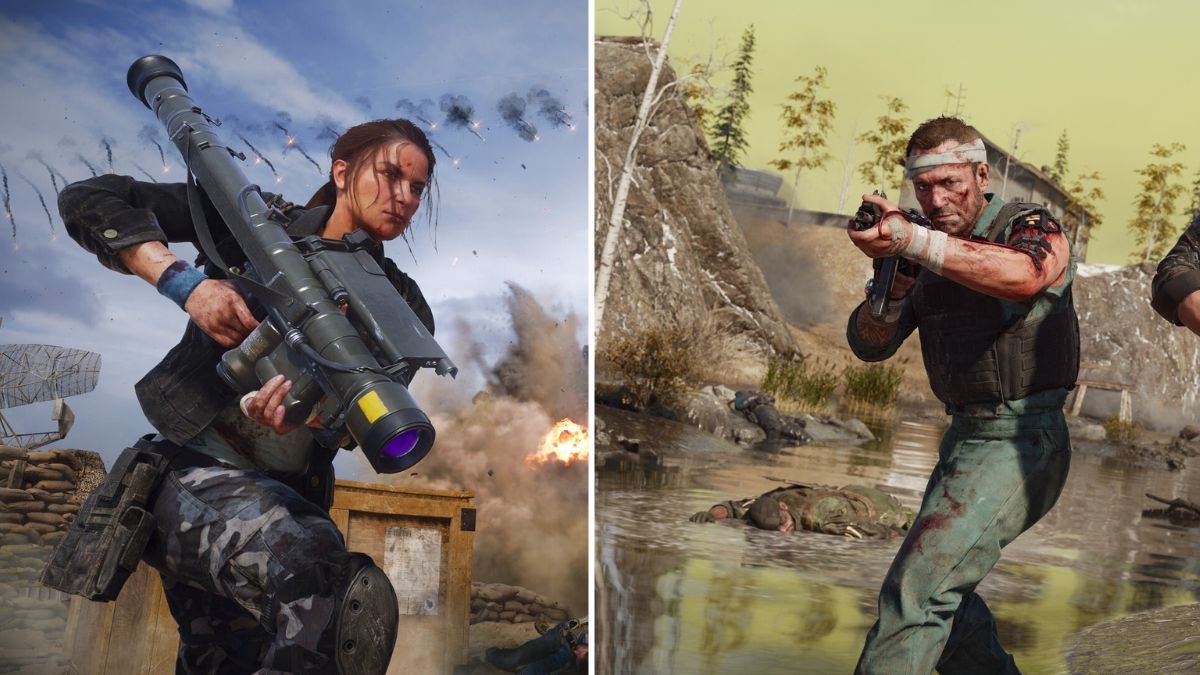
The Call of Duty League is controller-only. It is a rule. Every CDL professional, every team, every championship match is played on a controller. In a game where mouse and keyboard are allowed in public lobbies, the competitive league bans them, which should tell you how important having the best Call of Duty PS5 controller settings is.
This guide covers the Call of Duty PS5 controller settings that matter for both Black Ops 6 multiplayer and Warzone on PS5. They play differently. They need different tuning. Multiplayer is 6v6 on small maps, with the Omnimovement system demanding high sensitivity and fast slide cancels. Warzone is 150 players on massive maps with longer engagement ranges that reward precision over snap speed.
We cover both with separate settings tables, and then the hardware that takes either mode further than software alone can.
Controller players have a measurable advantage in Call of Duty at close to mid-range. The reason is rotational aim assist.
Rotational aim assist is a system that helps your crosshair track a target that moves laterally across your screen. When an enemy strafes left to right during a gunfight, rotational aim assist provides a subtle pull on your crosshair to follow them. This tracking assistance is strongest at close range, which is exactly where most Call of Duty gunfights happen.
Mouse-and-keyboard players do not receive aim assist. They have raw precision for flick shots and long-range tracking, but at close range, the rotational tracking advantage of a controller is significant. This is why every CDL pro uses a controller. This is why Aydan competes in mixed-input Warzone lobbies on controller and wins. The hardware advantage is real.
The settings below are designed to maximize that advantage. Better sticks, lower dead zones, and the right aim assist type amplify what the system gives you. Our controller vs mouse analysis covers the full competitive picture.
Black Ops 6’s Omnimovement system lets you sprint, slide, and dive in any direction. It is the fastest-moving Call of Duty ever made. The settings below are calibrated for Omnimovement’s speed.
| Setting | Value | Why |
| Button Layout | Tactical | Crouching/sliding on R3 keeps right thumb on camera stick. Essential for slide-cancel. |
| Stick Layout | Default | Familiarity. No reason to change unless you play inverted. |
| Horizontal Sensitivity | 7–8 | Omnimovement demands fast turns. Higher than most shooters. |
| Vertical Sensitivity | 6–7 | Slightly lower than horizontal. You look left/right more than up/down. |
| ADS Sensitivity Multiplier | 0.85–0.95 | Slightly lower than hipfire for precision when aimed. 1.00 if you prefer uniform sensitivity. |
| ADS Multiplier (Low Zoom) | 0.85 | Tighter control with red dots and holographic sights. |
| ADS Multiplier (High Zoom) | 1.00 | Snipers need normal sensitivity to track moving targets. |
| Aim Response Curve | Dynamic | Most CDL pros use Dynamic. Finer micro-adjustments than Standard. |
| ADS Transition Timing | Instant | No delay between pressing L2 and reaching full ADS sensitivity. |
| Dead Zone (Left Stick) | 5–7 (stock) / 0–3 (TMR) | Lower = more responsive movement. Only raise if drift is present. |
| Dead Zone (Right Stick) | 3–5 (stock) / 0–2 (TMR) | Critical for aim. Lowest value without idle drift. |
| Controller Vibration | Off | Vibration disrupts aim during sustained fire. Off for competitive. |
| Trigger Effect | Off | Adaptive trigger resistance slows fire rate. Off for competitive. |
| Setting | Value | Why |
| Automatic Sprint | Automatic Tactical Sprint | Frees L3 for other actions. Always at max speed. |
| Sprint Assist | On | Auto-sprint when pushing stick forward. |
| Slide Behaviour | Tap | Faster slide initiation for slide-cancel. |
| Mantle Assist | Off | Prevents accidental mantling during gunfights. |
| Grounded Mantle | Off | Prevents unintended vaulting at ground level. |
| Automatic Airborne Mantle | Off | Same. Accidental mantling = death. |
| Tactical Sprint Behaviour | Single Tap | Fastest entry into tac sprint. |
| Setting | CDL Pro Range | Our Recommendation |
| Horizontal Sensitivity | 5–9 (most at 6–8) | 7–8 |
| Vertical Sensitivity | 5–8 (most at 5–7) | 6–7 |
| ADS Multiplier | 0.80–1.10 (most at 0.85–1.00) | 0.85–0.95 |
| Aim Response Curve | Dynamic (majority) or Standard | Dynamic |
| Dead Zone (Right Stick) | 0–5 (most at 0–3) | 3–5 (stock) / 0–2 (TMR) |
| Controller Vibration | Off (universal) | Off |
| Trigger Effects | Off (universal) | Off |
CDL pros run dead zones at 0 to 3 because they use fresh controllers or controllers with modified sticks. If you set your dead zone to 0 on a stock DualSense that has been used for more than 6 months, you will almost certainly experience drift. The dead zone exists to filter out the noise from worn potentiometer sticks. TMR sticks eliminate that noise at the hardware level, which is why TCP customers can safely run dead zones of 0 to 2 without any idle drift.
Warzone plays differently from 6v6 multiplayer. Engagement ranges are longer. Maps are massive. Time-to-kill varies by plate count. The settings below reflect those differences.
| Setting | Warzone Value | Difference from BO6 MP |
| Horizontal Sensitivity | 6–7 | Lower. Longer engagements need smoother tracking. |
| Vertical Sensitivity | 5–6 | Lower for the same reason. |
| ADS Sensitivity Multiplier | 0.75–0.90 | Lower. Mid to long-range tracking needs more precision. |
| ADS Multiplier (Low Zoom) | 0.80 | Tighter than BO6 for ranged AR engagements. |
| ADS Multiplier (High Zoom) | 0.95–1.00 | Normal for sniping. |
| Dead Zones | Same as BO6 | No reason to change between modes. |
| Aim Response Curve | Dynamic | Same. Dynamic works across both modes. |
| Minimap Shape | Square | 25% more map information than circular. |
| Plate Behaviour | Apply All | Fastest plate application in emergencies. |
| Parachute Auto-Deploy | Off | Manual deploy gives you lower landing trajectory control. |
| Vehicle Sensitivity | 5–6 | Moderate. Vehicles need smooth steering, not snap turns. |
The biggest difference: ADS sensitivity. In Warzone, you are tracking targets at 50 to 100+ meters with assault rifles and marksman rifles. At those ranges, small crosshair movements translate to large on-screen adjustments. A lower ADS multiplier (0.75 to 0.90) gives you the precision to stay on target during sustained fire at distance. In BO6 multiplayer, most gunfights happen within 15 meters, so higher ADS sensitivity works.
| Type | How It Works | Strongest At | Best For |
| Default | Balanced slowdown and rotational tracking. Broad tracking window. | Close to mid range | Most players. Start here. |
| Precision | Tighter tracking window. Less slowdown but requires better initial centering. | Mid range | Advanced players with TMR sticks who want less aim assist interference. |
| Focusing | Strongest slowdown effect but narrowest window. Snaps hard to center mass. | Close range | Aggressive SMG players. Can feel “sticky” at range. |
| Black Ops | BO6-specific legacy feel. Strong rotational, moderate slowdown. | Close to mid range | Players who prefer the classic BO feel. |
Our recommendation: Default for most players. It provides the broadest tracking window with strong rotational assist. If you are an advanced player using TMR sticks and you find Default too “sticky” (the crosshair feels like it clings to targets), switch to Precision. Precision gives you more of your own raw aim in the output while still providing the rotational tracking that makes controllers competitive.
The rotational aim assist is what makes controllers viable in Call of Duty. It is strongest in close-range strafing engagements, which is where most kills happen in both BO6 and Warzone. Disabling aim assist on a controller is a handicap for no competitive benefit. Keep it on. Always.
Slide-cancel is the most important movement mechanic in competitive Call of Duty. The sequence is simple: tactical sprint, slide, jump, tactical sprint. Done correctly, it resets your sprint and creates an unpredictable movement pattern that makes you harder to hit. Done poorly (or with thumbs off the sticks), it gets you killed.
Unfortunately, most people can’t pull it off consistently. Knowing the best Call of Duty PS5 controller settings help.
| Controller | Remap 1 | Remap 2 |
| Stock DualSense | Use Tactical layout (crouch/slide on R3) | Jump stays on X (compromise, thumb lifts) |
| TCP Pro (2 ClickSticks) | Slide / Crouch on ClickStick 1 | Jump on ClickStick 2 |
| TCP Ultimate | Same as Pro + taller right stick for aim | Same as Pro + IAS height per weapon class |
The TCP Pro remap is the competitive standard. Slide on one ClickStick, jump on the other. Both thumbs stay on both sticks through the entire slide-cancel sequence. Your camera never stops tracking. Your movement never stops flowing. This is how CDL pros handle movement, and it is why back buttons are considered mandatory at the competitive level.
The TCP Pro controller (£135 to £140) includes two flush ClickSticks that prevent accidental presses during the rapid inputs Omnimovement demands. The TCP Ultimate (£165 to £190) adds IAS adjustable stick heights. A taller right stick gives you finer aim control during gunfights. A standard-height left stick keeps movement snappy.
Here is where things get interesting.
A standard DualSense adaptive trigger has approximately 10 to 15 milliseconds of travel time from rest to full actuation. A digital trigger actuates in under 1 millisecond. The difference per shot is 10 to 15ms.
| Scenario | Standard Trigger | Digital Trigger |
| Single shot (semi-auto) | 10–15ms actuation | <1ms actuation |
| 10 shots in a gunfight | 100–150ms total trigger time | <10ms total trigger time |
| Advantage at 60 FPS | N/A | 6–9 frames saved |
| Advantage at 120 FPS | N/A | 12–18 frames saved |
| Time-to-first-shot (ADS + fire) | ~25–30ms (L2 travel + R2 travel) | ~2–5ms (instant L2 + instant R2) |
In Warzone, semi-auto marksman rifles and battle rifles are meta weapons. Their fire rate is capped by how fast you can pull the trigger. Digital triggers remove the mechanical bottleneck. The weapon fires the instant your finger twitches. Over a 10-shot engagement, you save 100 to 150 milliseconds. That is the difference between winning and trading kills.
TCP’s digital trigger modification converts both L2 and R2 to binary switches. ADS is instant. Fire is instant. The trade-off is losing adaptive trigger immersion, which does not matter in Call of Duty since competitive players disable trigger effects anyway.
| Mode | Standard PS5 | PS5 Pro |
| BO6 Multiplayer | 120 FPS (lower resolution) | 120 FPS (higher resolution via PSSR) |
| Warzone | 120 FPS (dynamic resolution) | 120 FPS (higher base resolution) |
| Input polling | Standard (tied to frame rate) | Faster with higher frames |
| Visual clarity at range | Good | Significantly better (PSSR + higher base res) |
Both Black Ops 6 and Warzone support 120 FPS on PS5 and PS5 Pro. If you have a 120 Hz display, enable it. The input responsiveness improvement is measurable. At 120 FPS, each frame arrives in 8.33ms instead of 16.67ms, which means your stick inputs translate to on-screen movement twice as fast. For a deeper analysis of how 120 FPS affects controller performance, our analysis has you covered.
Call of Duty is the game where the gap between a stock DualSense and a custom controller is most visible in your kill-death ratio. Here is why.
TMR sticks let you run dead zones at 0 to 2 without drift. CDL pros use dead zones of 0 to 3 because they burn through controllers or use modified hardware. TMR sticks give you the same dead zone freedom permanently. In a game where the first millisecond of aim response determines gunfight outcomes, dead zone overhead is a measurable disadvantage. If your sticks are drifting and you are compensating with a dead zone of 8 to 10, you are giving up responsiveness that your opponents are not.
ClickSticks solve slide-cancel. Both thumbs on both sticks, always. The entire slide-cancel sequence (slide, jump, sprint) happens without your thumbs leaving the camera or movement sticks. This is not a luxury. It is how every competitive CoD player handles movement.
Digital triggers fire weapons faster. The maths is in the table above. 100 to 150 milliseconds per engagement. Every gunfight. Every game. It compounds.
Configure your ideal Call of Duty setup in the custom PS5 controller builder. The TCP Pro (£135 to £140) includes TMR sticks, ClickSticks, and digital triggers.
For another military shooter comparison, our Battlefield 6 settings guide covers a similar setup for larger-scale warfare.
| Setting | BO6 Multiplayer | Warzone |
| Horizontal Sensitivity | 7–8 | 6–7 |
| Vertical Sensitivity | 6–7 | 5–6 |
| ADS Multiplier | 0.85–0.95 | 0.75–0.90 |
| ADS Multiplier (Low Zoom) | 0.85 | 0.80 |
| ADS Multiplier (High Zoom) | 1.00 | 0.95–1.00 |
| Dead Zone (Right Stick) | 3–5 / 0–2 TMR | 3–5 / 0–2 TMR |
| Aim Response Curve | Dynamic | Dynamic |
| Aim Assist Type | Default | Default |
| Button Layout | Tactical | Tactical |
| Vibration | Off | Off |
| Trigger Effects | Off | Off |
| Sprint | Auto Tac Sprint | Auto Tac Sprint |
| Minimap | Default (round) | Square |
Screenshot this table. Start with these values. Adjust sensitivity by one increment at a time after a full session. Do not change multiple settings simultaneously, or you will not know which adjustment helped.
If your dead zone is above 5 and you are experiencing drift, your potentiometer sticks are wearing out. TCP’s stick drift repair service can replace worn sticks with TMR modules from £24, giving you dead zone freedom that matches CDL pros.
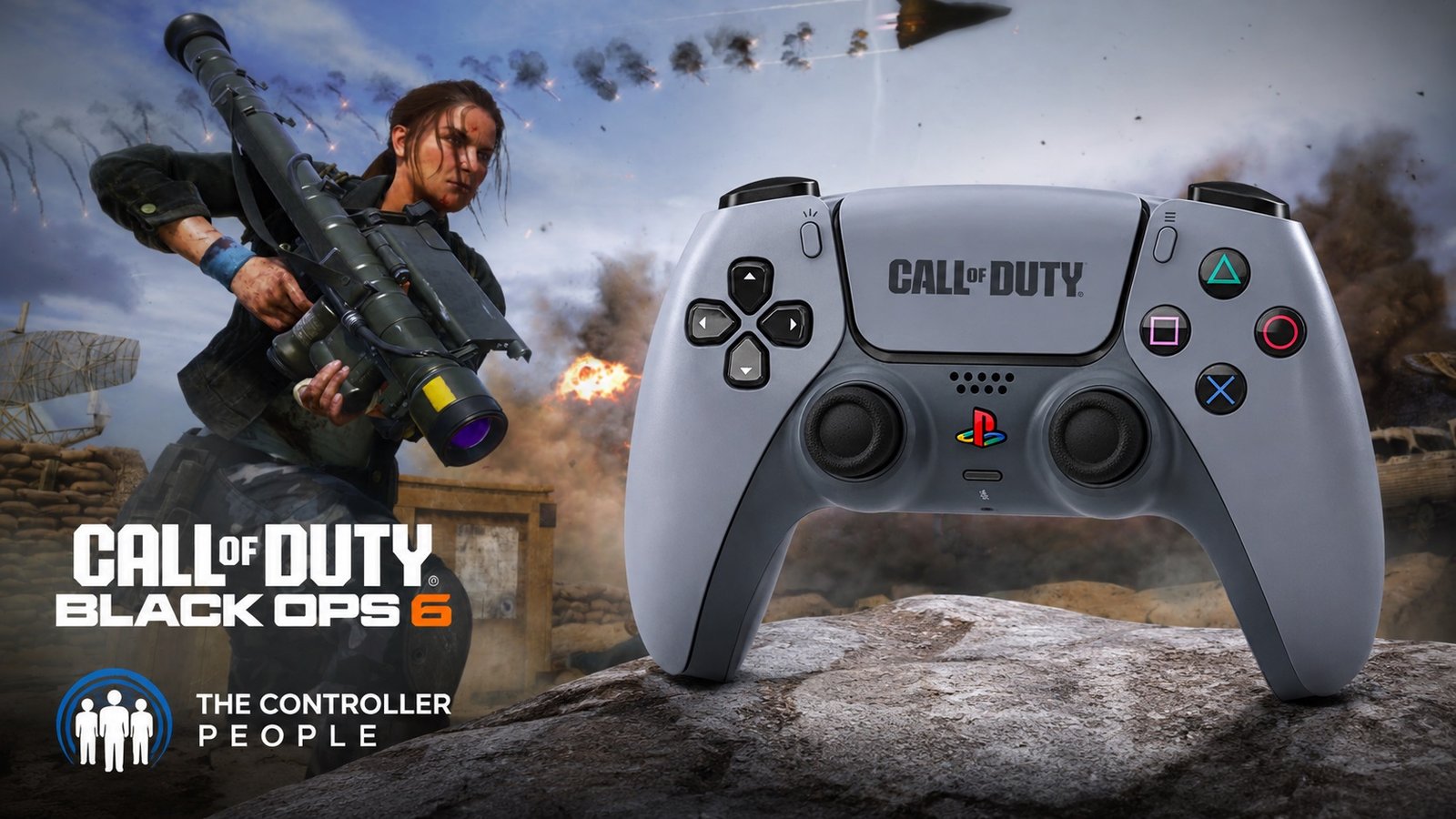
The Call of Duty League is controller-only because controllers are the optimal competitive input for Call of Duty. Rotational aim assist, combined with the right sensitivity and dead zone settings, creates a tracking advantage that mouse-and-keyboard cannot replicate in close-range engagements.
But the stock DualSense is not what CDL pros use. They use modified controllers with back buttons, hair triggers, and fresh sticks. The settings in this guide get your software right. The TCP Pro gets your hardware right. TMR sticks for dead zone freedom. ClickSticks for slide-cancel without thumb lift. Digital triggers for the fastest fire rate mechanically possible.
The best Call of Duty PS5 controller settings are free. The hardware is an investment. Both make you harder to kill.

The long wait is almost over. Insomniac Games’ R-rated take on everyone’s favorite grumpy mutant launches on September 15. Brutal and rage-driven, Marvel’s Wolverine is
Sony just gave Grand Theft Auto VI the kind of treatment it normally reserves for its own biggest exclusives. At the September 3 State of
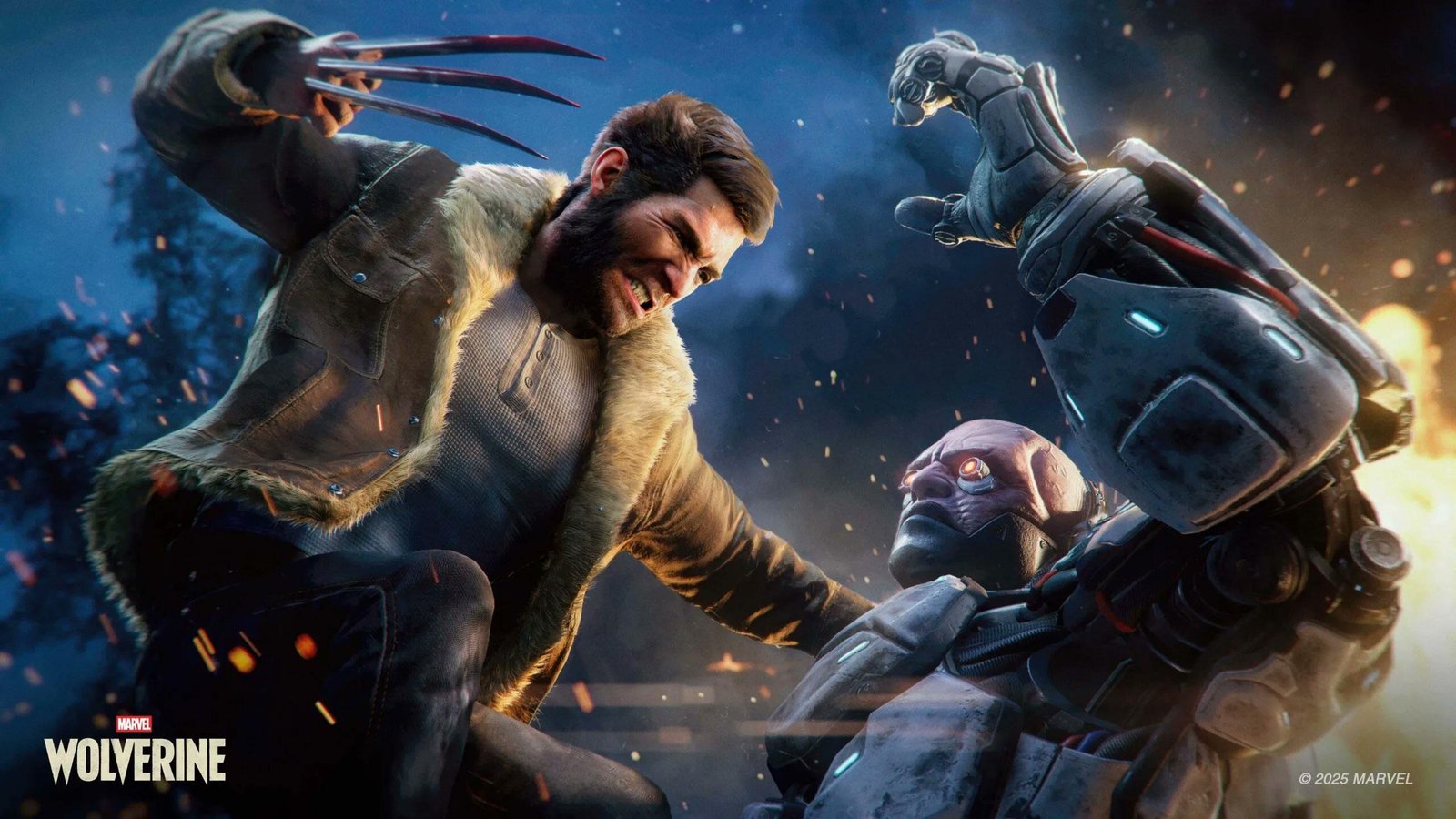
For years, the running joke was that we would get Grand Theft Auto6 before we got a proper look at Marvel’s Wolverine. Well, both are
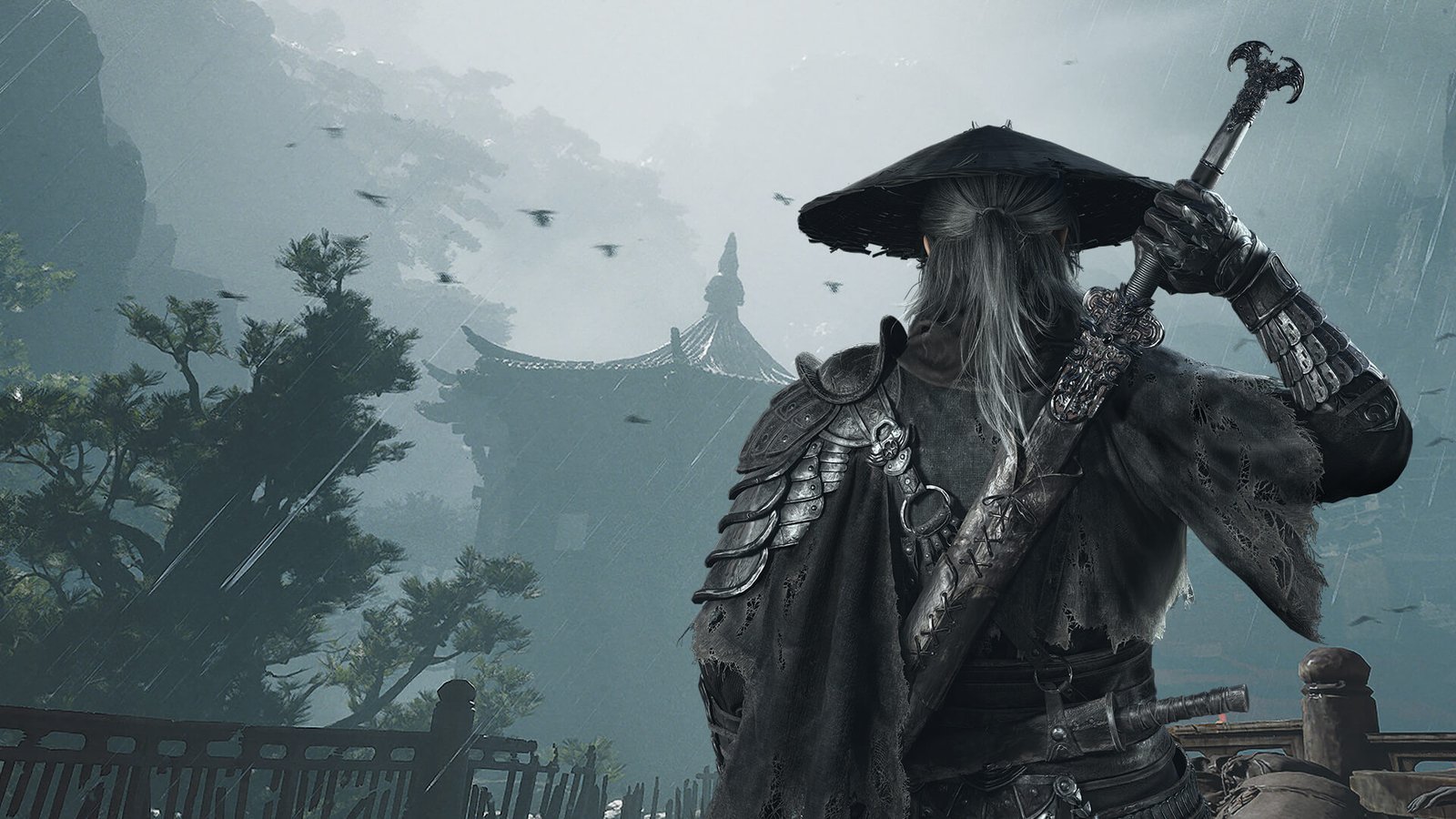
Phantom Blade Zero has been near the top of every action fan’s watchlist since it first showed up in 2023, and it finally arrives on
No comment yet, add your voice below!