Verde Casino op Je Telefoon: Snelle Slots Tussen de Momenten van de Dag
De meeste mensen zitten niet meer urenlang achtereen te gamen. Ze spelen in fragmenten — drie minuten wachten op de waterkoker, een paar spins in

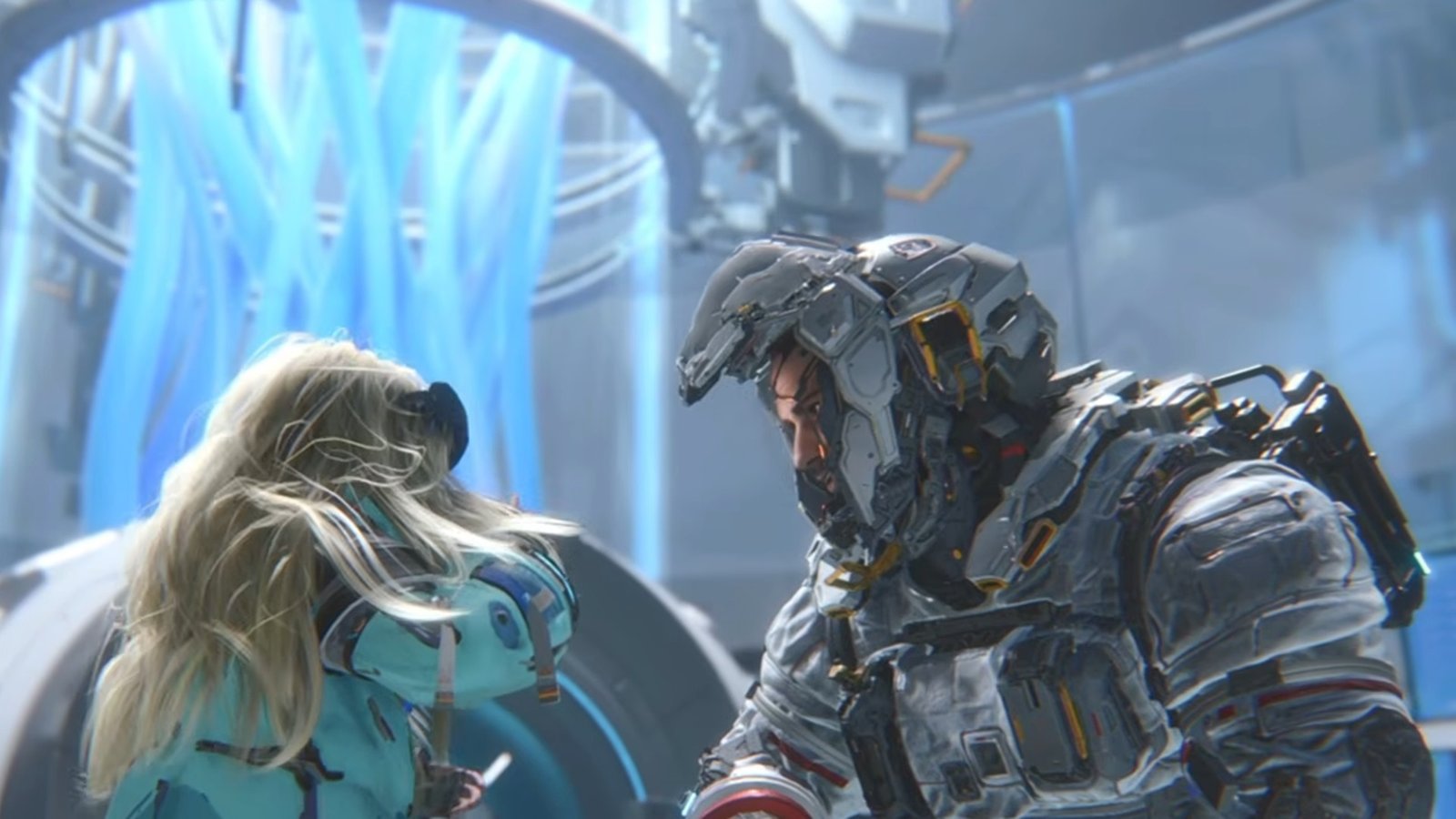
Pragmata is Capcom’s first new IP in eight years, and it asks you to do something no other game on PS5 does, which is to shoot and hack at the same time. Hugh fires weapons and dodges with his suit’s thrusters, while Diana hacks enemy armor and station systems through a real-time grid puzzle. Both things can and often happen simultaneously, and both use the same controller, and the default DualSense settings are not built for it.
The Sketchbook demo, which pulled a 97% positive reception on Steam and a 4.79/5 on the PlayStation Store, proved that Pragmata’s hybrid combat works beautifully once it clicks, but our best PS5 controller settings for Pragmata says that you could do it better.
The default layout prioritizes shooting and leaves the hacking inputs feeling sluggish. The sensitivity is calibrated for exploration, but you do a lot of fighting, and the dead zones are conservative enough to absorb the precision you need for the grid navigation.
This guide covers the best PS5 controller settings for Pragmata, balancing both systems, specific remaps that solve the “patting your head and rubbing your tummy” problem, and hardware recommendations for players who want the hybrid combat to feel seamless.
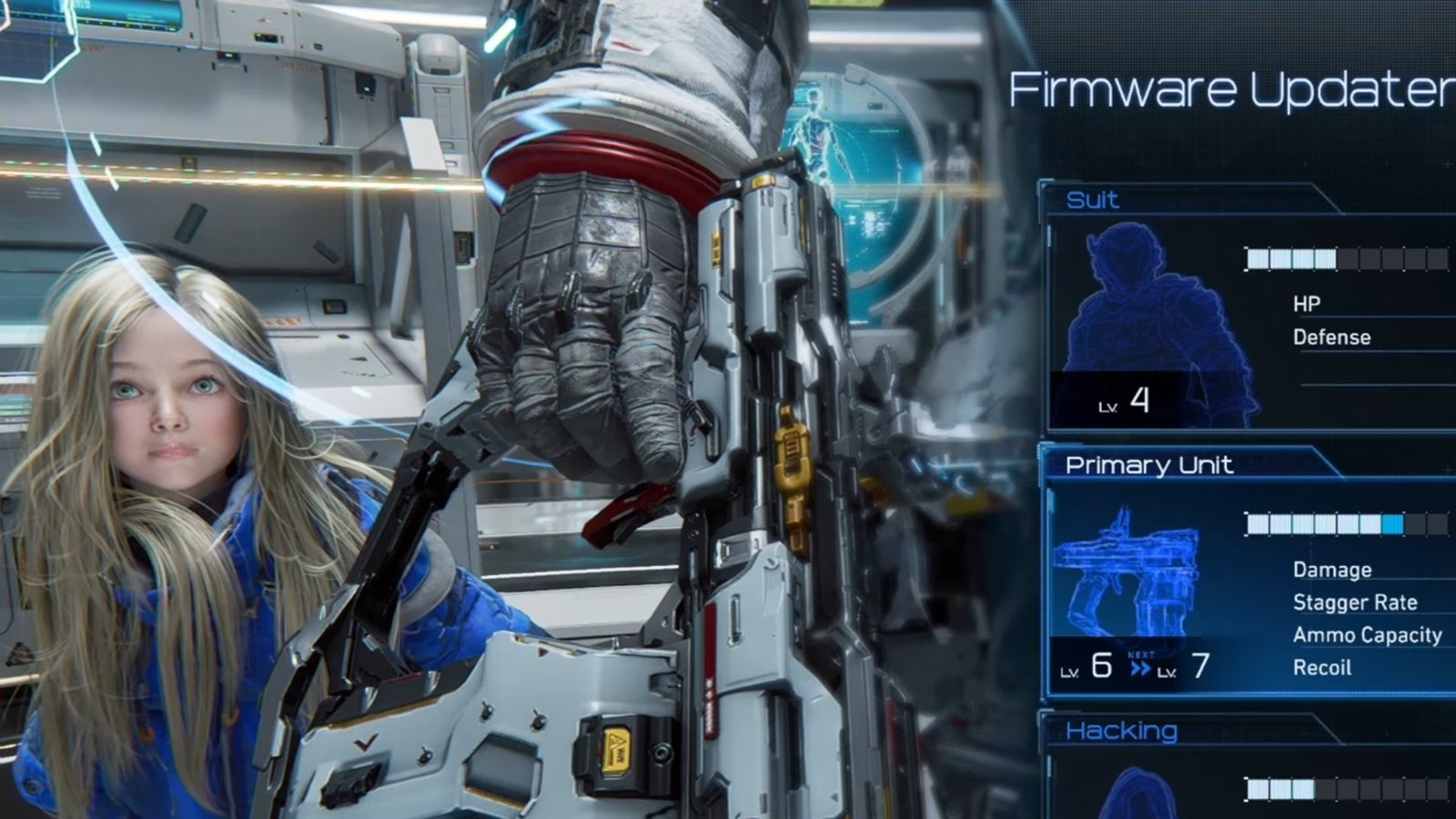
Every other third-person shooter on PS5 gives you one job at a time. Aim, shoot, reload, dodge. Pragmata gives you two jobs simultaneously.
Hugh’s controls are conventional: left stick for movement, right stick for aiming, L2 to aim down sights, R2 to fire, Circle to dodge using his suit’s thrusters. He has four weapon types, and powerful weapons break when their ammo runs out, adding a resource management layer that rewards trigger discipline.
Diana’s hacking is different. When you initiate a hack, a grid puzzle overlays the gameplay. You navigate nodes on the grid to trace a path to the enemy’s weak point. The puzzle runs in real time. Enemies do not stop attacking while you hack. You must navigate the grid and manage Hugh’s survival simultaneously.
This dual-input design is what makes Pragmata unique. It is also what makes the default DualSense layout feel overwhelming until you remap and tune it.
The core problem here is that your thumbs need to be on both sticks (movement + aim) while also navigating the hacking grid, which by default uses the D-pad or face buttons. Something has to give unless you add rear inputs.
| Button | Hugh (Shooting) | Diana (Hacking) |
| L2 | Aim down sights | Activate hacking mode |
| R2 | Fire weapon | Confirm node / solve hack |
| L1 | Swap weapon / Guard | Cycle hack target |
| R1 | Melee / Interact | Cancel hack |
| Left Stick | Move Hugh | Navigate hack grid |
| Right Stick | Camera / Aim | Camera (during hack) |
| L3 | Sprint | Sprint |
| Circle | Dodge / Thruster dash | Dodge (during hack) |
| X | Interact / Examine | Interact |
| Square | Reload | Quick hack (contextual) |
| Triangle | Inventory / Shelter | Inventory |
| D-Pad | Quick select items | Grid direction (alt input) |
| Touchpad | Map | Map |
The critical overlap here is that L2 switches between aim mode and hack mode depending on context. When enemies are hackable and in range, Diana’s hack mode takes priority.
When no hackable targets are available, L2 functions as standard aim. This context-sensitive switching is elegant in theory, but can feel unpredictable during chaotic fights with both hackable and non-hackable enemies.
Pragmata runs at 4K/60 FPS on PS5 Pro (enhanced via PSSR), which provides a tight input loop. The settings below are calibrated for simultaneous shooting and hacking.
| Setting | Recommended Value |
| Camera Speed (Horizontal) | 5–6 (lower than typical shooters) |
| Camera Speed (Vertical) | 4–5 |
| Aim Sensitivity (ADS) | 4–5 |
| Camera Acceleration | Medium (5) |
| Right Stick Dead Zone | 5–7 |
| Left Stick Dead Zone | 5–7 |
| Aim Assist | On (recommended strength 3–4) |
| Response Curve | Linear or Dynamic (test both) |
| Vibration Intensity | Medium (haptic feedback aids hacking) |
| Adaptive Triggers | On for singleplayer (off if using digital triggers) |
| Motion Blur | Off |
| Camera Wobble | Reduced or Off |
The sensitivity is deliberately lower than you would use in a pure shooter like Call of Duty or Apex Legends. Here is why: during hacking, your left stick doubles as grid navigation input. If your sensitivity is set for fast camera snaps, the grid navigation becomes imprecise. You overshoot nodes. You select the wrong paths. The hack fails, and you take damage from the enemies you were trying to debuff.
A moderate sensitivity of 5 to 6 gives you enough speed for combat turns while keeping grid navigation precise. If you find yourself missing nodes during hacking, lower it further. If enemies are flanking you before you can turn, raise it by one increment.
The hacking grid navigation is where stick drift becomes a real problem in Pragmata. In a standard shooter, mild drift makes your camera creep. In Pragmata, mild drift can cause phantom grid movements during hacking, selecting the wrong nodes, and ruining your hack sequence.
If you need a dead zone above 8 to prevent idle movement, your potentiometers are wearing out. TCP’s stick drift repair service can replace your worn sticks with TMR modules that never drift, starting from £24. TMR sticks let you run dead zones of 3 to 5 with zero risk of phantom inputs during hacking.
This is the section that changes how Pragmata feels. The default layout forces a choice: during simultaneous combat and hacking, your left thumb either manages Hugh’s movement or navigates Diana’s grid. You cannot do both at full effectiveness on the face buttons alone.
The solution: move hack initiation and critical combat inputs to rear buttons so your thumbs never leave the sticks.
Without rear buttons, use the PS5’s accessibility button remapping (Settings > Accessibility > Controllers > Custom Button Assignments). Swap dodge (Circle) to R3 (press right stick). This frees your right thumb during dodge, keeping it on the camera stick. Swap reload (Square) to L3. This keeps your left thumb on the movement stick during reloads. These two remaps reduce the number of times you lift your thumbs during combat.
Map hack initiation to one ClickStick and dodge/thruster dash to the other. This keeps both thumbs on both sticks during the most critical dual-input moments: the instant you enter hacking mode while enemies are attacking, and the instant you need to dodge while navigating the grid. The TCP Pro controller with ClickSticks was designed specifically for this scenario.
The TCP Ultimate adds IAS adjustable stick heights to the ClickSticks. For Pragmata specifically, a taller right stick improves aim precision for Hugh’s gunplay, while a standard-height left stick keeps the grid navigation responsive. Being able to physically separate the precision demands of each stick is a level of customization no software setting can replicate.
The community feedback on the Sketchbook demo consistently compared the dual-input combat to “patting your head and rubbing your tummy.” That comparison is accurate, but it also reveals the solution: the difficulty is not the game design. It is the controller layout. Move the critical inputs to your unused fingers (middle and ring, via rear buttons), and the coordination problem evaporates. Both thumbs stay on both sticks. Both systems run at full effectiveness.
Hugh carries four weapon types in Pragmata, and powerful weapons break permanently when their ammo runs out. This is not a reload mechanic. It is a resource mechanic. Fire discipline matters.
| Weapon Type | Trigger Feel | Recommendation |
| Pistol (standard) | Light pull, semi-auto | Default trigger works well. Pace your shots. |
| Shotgun | Heavy pull, pump action | Adaptive trigger adds immersion. Keep it on. |
| Assault / Rapid-fire | Medium pull, full-auto | Adaptive resistance can slow sustained fire. Consider digital. |
| Special / Heavy | Deliberate pull, limited ammo | These break when empty. Every shot must count. Precision > speed. |
Capcom’s RE Engine games consistently deliver excellent adaptive trigger implementations. Resident Evil Requiem had weapon-specific trigger resistance that added genuine tactile value. Expect Pragmata to follow the same pattern, with different pull weights per weapon type. Our Resident Evil Requiem settings guide covers a similar RE Engine setup for reference.
For players using TCP’s digital trigger modification, the consistency advantage is clear: every weapon fires the instant you touch the trigger, regardless of type. You lose the immersive resistance feedback but gain uniform actuation speed across all four weapon types. In combat scenarios where you are simultaneously hacking and shooting, that consistency reduces one more variable your brain has to manage.
The DualSense’s haptic feedback is particularly valuable during hacking in Pragmata. The controller vibrates differently as you navigate the grid, providing tactile confirmation that supplements the visual feedback. Keep vibration at Medium rather than disabling it entirely. The haptic information genuinely helps during frantic hack sequences.
| Platform | Performance Mode | Quality Mode |
| PS5 | 1080p / 60 FPS | 4K / 30 FPS |
| PS5 Pro | 4K (PSSR) / 60 FPS + RT | 4K Native / 30 FPS + Enhanced RT |
Play in Performance mode. Pragmata’s dual-input combat demands 60 FPS responsiveness. At 30 FPS, the hacking grid navigation feels delayed, and the combat loses its rhythm. On PS5 Pro, PSSR upscaling delivers near-4K clarity at 60 FPS with ray tracing, which is the best of both worlds.
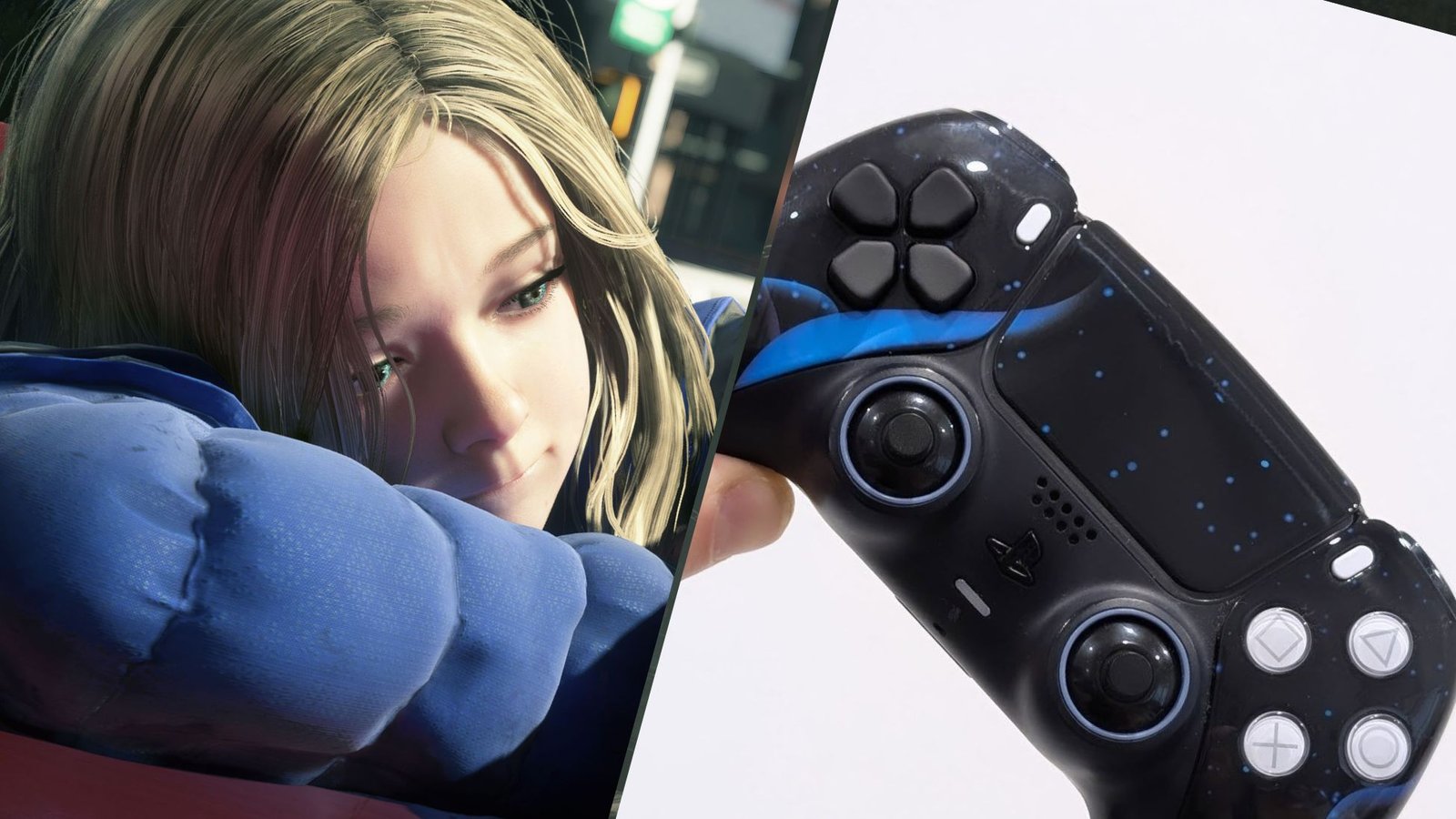
Pragmata’s dual-input design creates a specific set of controller demands that map directly to TCP’s modification lineup.
TMR sticks for hacking grid precision. The grid navigation requires deliberate, precise micro-movements on the left stick. Potentiometer sticks that have developed even slight imprecision at the edges of deflection cause phantom grid inputs. TMR sticks maintain consistent accuracy across the full range, which is exactly what grid navigation demands.
ClickSticks for hybrid combat. Two rear buttons that let you hack and dodge without lifting your thumbs. This is the single most impactful hardware change for Pragmata. The game was designed to engage both sides of your brain. Your controller should engage both sets of fingers.
Digital triggers for consistent weapon fire. Four weapon types with different adaptive trigger resistances mean four different actuation speeds. Digital triggers normalize all four to near-instant, reducing one variable during the already demanding dual-input combat.
Configure your ideal Pragmata setup in the custom PS5 controller builder. Or start with the TCP Pro (£135-£140), which includes TMR sticks, ClickSticks, and digital triggers in a single build.
For general FPS controller philosophy that applies across all shooters, our best PS5 FPS controller setup guide covers the fundamentals.
Our recommendation is that you test out the best PS5 controller settings for Pragmata in the Sketchbook demo. The demo is free, covers the core combat loop, and includes a boss fight that tests your dual-input coordination.
If the settings work in the demo, they will work in the full game. Same engine, same controls, same DualSense.

No comment yet, add your voice below!